Create videos with AI in minutes
Use ready-made workflows to turn scripts, images, and rough ideas into finished videos. Combine text-to-video, image-to-video, VFX, lip sync, and music in one place without setting up complex tools.
10+
AI Models
< 10 min
Generation Time

One solution for all video needs
Start from a template and then customize the workflow canvas to fit your production: social clips, ads, explainers, trailers, or ASMR content. Swap models or nodes instead of rebuilding projects from scratch.
Video Generation
Text & image to video


Effects & Editing
VFX, lip sync, transitions


Content Creation
ASMR, ads, promos
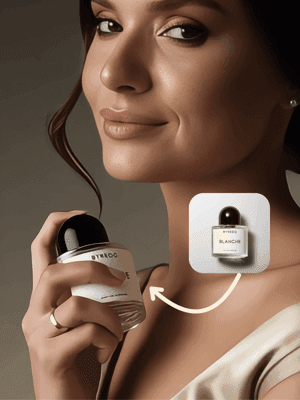
Sora 2 x Ads
Explore→
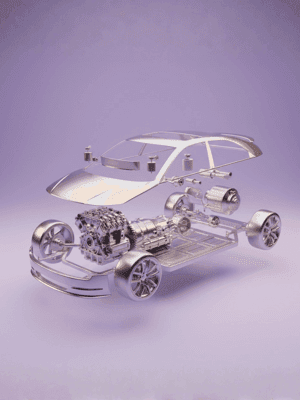
Veo 3.1 Ads
Explore→
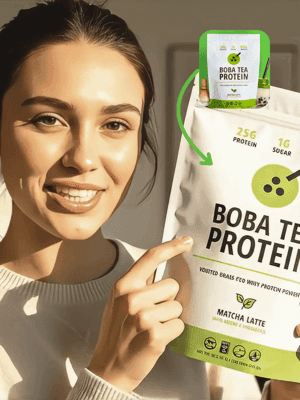
ASMR Promo
Explore→
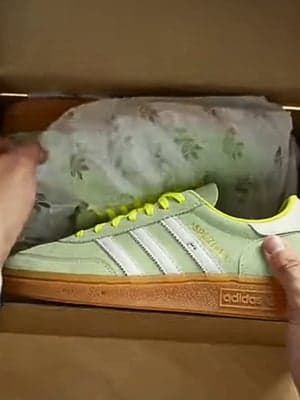
UGC Unboxing Video
Explore→
.png&w=3840&q=75)
UGC Promo Video (Lipsync)
Explore→
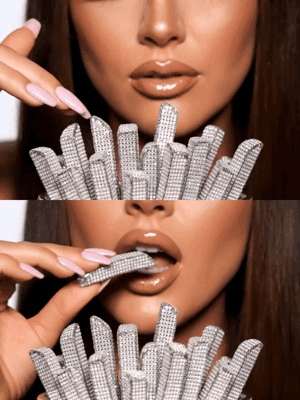
Crunchy Mukbang ASMR
Explore→
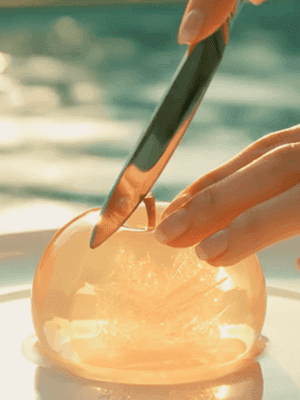
Cutting Fruit ASMR
Explore→
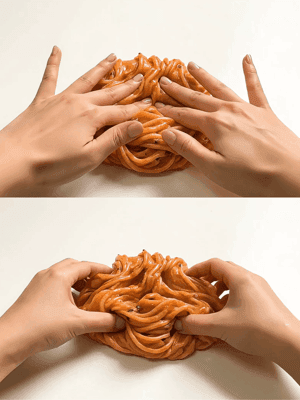
Food Slime ASMR
Explore→
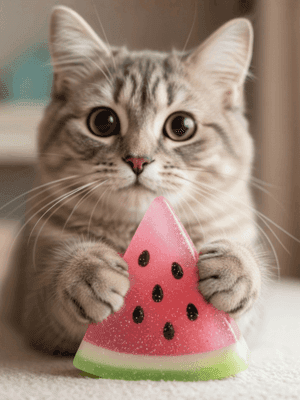
Kitten x Slime ASMR
Explore→
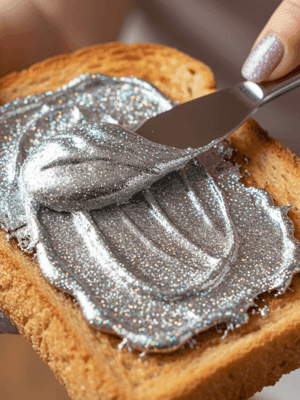
Special Material ASMR
Explore→
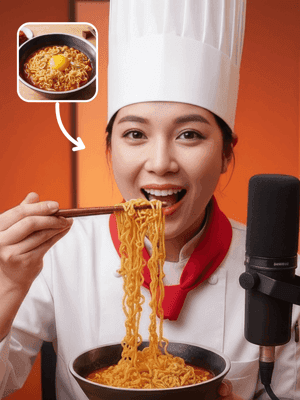
Food Product ASMR
Explore→
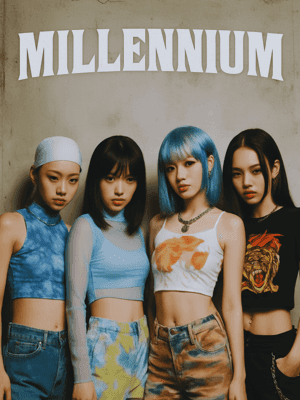
Sora 2 x Idols
Explore→
Veo 3.1 Playground
Explore→
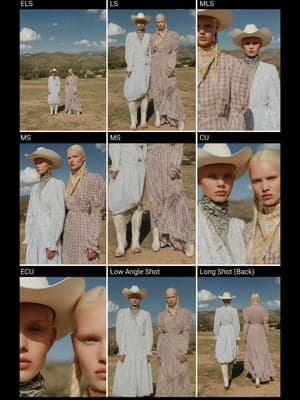
Nine-Grid Shot Breakdown
Explore→
.jpg&w=3840&q=75)
Storyboard Generation
Explore→
.jpg&w=3840&q=75)
Multi-camera Storyboards
Explore→
Commercial Ad Production
Explore→
12-Shot Storyboard
Explore→
Dynamic Poster Creation
Explore→
High-Converting UGC Ads
Explore→
Ads Remake
Explore→
French Retro Style Promotional Video
Explore→
Pet Seal Dance
Explore→
Pets x Bridal Sedan Chair Dance
Explore→
AI Influencer – Hyper-real Lifestyle Studio
Explore→
Virtual Human Sings
Explore→
Apparel AI Promotional Video
Explore→
Automotive Advertising Storyboard
Explore→
Concept Racing Car Video
Explore→
Clothing Promotion Short Film
Explore→
One-Click Commercial Product Ads
Explore→
AI Handbag Promo Video
Explore→
CONNECT Film
Explore→
.png&w=3840&q=75)
Pure Sweet Girly Style MV
Explore→
Built for
Whether you're a solo creator or part of a marketing team, AI video generation scales with your needs.
Content Creators
Create engaging social videos, YouTube content, and viral clips without expensive equipment or editing skills.
Marketing Teams
Produce ad creatives, product demos, and promotional videos at scale. Test variations quickly.
Filmmakers & Artists
Explore creative possibilities with AI-generated animations, VFX, and cinematic content.
FAQ
At minimum, you need a script, a few reference images, or a base clip. For text-to-video templates, clear scene descriptions and timing notes help the model plan shots. For image-to-video, upload sharp images at 1080p or higher with the key subject clearly visible. Avoid heavy watermarks, motion blur, or cropped-off subjects, as these reduce quality.
Explore More Solutions
Discover other AI-powered workflows to elevate your creative production


Unleash Your
Creativity


