If you sell online, you already know this: a clean product photo is not enough.
On a listing page, you are competing on attention and understanding. Your buyer needs to answer three questions in seconds:
- What is it?
- Why is it better?
- What proof do I see instantly?
That is what product infographics do: they turn features into visual evidence (callouts, comparisons, dimensions, before/after, usage scenes).
But teams hit the same failure modes with AI:
text gets blurry or misspelled, claims get invented, and layouts drift across SKUs.
This post compares the main tool categories in 2026 and gives a workflow-first approach to scale product infographics without turning your design team into an export machine.
Scope: as of February 2026, focusing on e-commerce listing images (Amazon-style galleries, Shopify PDP galleries, and ad creatives).
Quick Answer: The Winning Split Is AI for Images, Humans for Text
The most stable production pattern is a split: use AI to generate clean base images (scene, lighting, background, product context), then add text and icons in a design layer where you control spelling, alignment, and export quality. AI is great at visuals, but it is still unreliable at typography precision, so treat that limitation as a pipeline design decision instead of a constant fight.
AI is great at visuals. AI is still unreliable at typography precision. Treat that as a pipeline design decision, not a frustration.
The Rule That Saves You (Especially for Amazon)
Most marketplaces treat the main image differently from secondary images.
Practical rule: Keep the main image clean and product-focused with minimal edits, and put infographics into secondary images (callouts, comparisons, dimension diagrams, usage scenes). Even if you are not selling on Amazon, adopting this mental model improves conversion because it matches how people scan: clean hero first, information density later.
Even if you are not selling on Amazon, adopting this mental model improves conversion: clean hero first, information density later.
Tool Categories (2026) - Comparison Table
Instead of ranking tools, choose the category that matches your bottleneck.
| Category | What it is best at | What breaks | Best for |
|---|---|---|---|
| Design-first (manual layout) | Perfect typography, consistent brand templates | Slow at scale; repetitive exports | Premium brands, strict style guides |
| AI image-first (generate base images) | Fast scene generation, lifestyle contexts | Text in images is unreliable; product fidelity can drift | Secondary images, ads, variations |
| Workflow-based (repeatable pipeline) | Batching, reuse, troubleshooting by stage | Requires a setup mindset (templates) | SKU-scale production teams |
The mistake is trying to make one tool do all three jobs.
Tool Breakdown (Examples You Can Map to the Categories)
Below are common tool choices teams evaluate. The goal is not to crown a winner - it is to pick the right role for each tool.
Design-first tools: Canva, Figma, Adobe Express
Use these when typography quality and layout consistency are non-negotiable. They are the right choice for brand templates (consistent padding, icon set, grid), precise export sizes for marketplaces and ads, and easy handoff inside a team.
They become slow when you need 50-500 SKUs and each SKU needs a 5-8 image gallery.
AI image generation: Midjourney / SD-style pipelines / image editors
Use AI generation primarily for lifestyle scenes, background variations, and hero-context images for ads and secondary gallery slots. Do not rely on it for final text. Use it to create the visual base.
Do not rely on it for final text. Use it to create the visual base.
Workflow-based production: OpenCreator templates
Workflows win when you want to turn a good set into a repeatable system. In practice that means the same gallery structure per SKU, the same visual language across the store, and batch processing and reuse instead of rebuilding each design from scratch.
What a Good Infographic Set Looks Like (5 Image Types)
If you want a reusable set for most SKUs, these formats work across categories:
- Hero context (product in a believable scene)
- 3 key callouts (material, feature, proof)
- Dimensions / size (diagram style, clean typography)
- Comparison (your product vs alternatives, or version A vs version B)
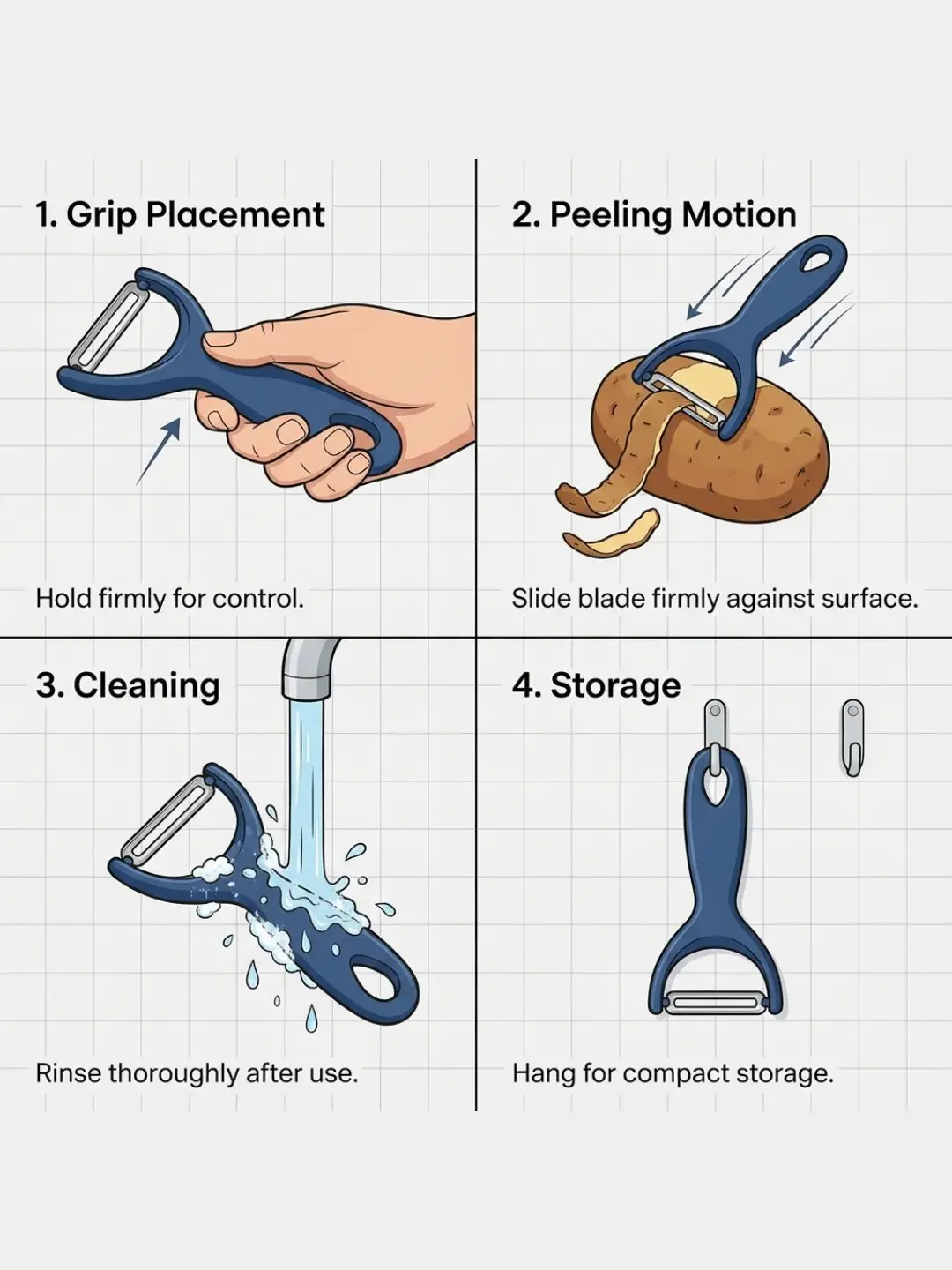
- How to use (3-step usage collage)
These are not design trends. They are information patterns that match how people skim.
The 3 Non-Negotiables (Why AI Infographics Usually Fail)
1) Claims must be grounded
If the model is allowed to invent claims (for example: waterproof, FDA approved, 50% off), you risk compliance issues.
Make it explicit: the pipeline must pull claims from your real source of truth (product copy, specs) and prohibit invention.
2) Text must be readable
Most models still generate text inconsistently. Even if it looks okay at 512px, it often breaks at full resolution or in responsive crops.
So: generate the visual, then overlay real text.
3) Style must be consistent across SKUs
Inconsistent padding, icon style, and typography makes your storefront look low-trust.
This is where workflows beat one-off generations: you lock templates, then batch.
How to Scale Infographics (Workflow Approach in OpenCreator)
OpenCreator's Product Infographics workflow is built around the stable split described above. First you standardize the product image (clean edges and fidelity constraints), then you generate visual compositions for each infographic type, and finally you add controlled text layers (headlines, callouts, icons) with consistent style. The point is that the high-risk parts (claims and typography) stay controllable, while the high-variance part (visual composition) stays fast.
Template cover:
Start here:
How to create clean product infographics with a reusable workflow and Open the Product Infographics template.
If you are also doing lifestyle scenes and background swaps, combine with:
How to swap product backgrounds without looking cheap and Open the Product Background Swap template.
A Minimal Checklist Before You Export
Before you export, do a fast pass that is actually actionable: confirm every claim matches the real product spec (no invention), confirm headlines are readable on mobile crops, confirm logos and product details are unchanged (no accidental redraw), confirm the visual hierarchy is consistent across the set (padding and typography style), and confirm you have a clean main image plus infographic-only secondary images.
FAQ
Can AI generate text perfectly inside an infographic image?
Sometimes, but it is not reliable enough for production. The stable pattern is: generate the visual with AI, then add text with a controlled layer.
How do I prevent AI from making up product features?
Ground your pipeline: feed the model the approved product spec and explicitly forbid new claims. In workflows, keep copy generation separate from image generation so you can validate claims before rendering.
When is it worth switching to workflows?
When you repeat the same set structure across SKUs. If your team keeps redoing same layout, new product, you are already paying the workflow tax - you are just paying it manually.