If you run e-commerce, you have probably tried AI product infographics at least once.
Sometimes you get a decent image. Most of the time you get the familiar problems: the product changes, the typography looks random, the callouts feel noisy, and the set does not match across SKUs. It is not just a taste issue—when your listing visuals look inconsistent, customers feel it.
The fix is not a longer prompt.
The fix is to treat infographics as a repeatable production process: keep the product stable, generate copy and layout separately, and only then render the final images in a controlled style.
Below is a workflow-first approach you can reuse. Once it works for one SKU, you can scale it across the next 50.
Quick answer
Clean infographics are not about “better prompts”. They are about separating variables:
- Keep the product truthful first (no changes to logos/texture/structure).
- Generate structured selling points second (fields, not vibes).
- Render with a reusable layout system last (typography + spacing consistency).
Scope: as of 2026-01, this guide focuses on turning one product photo into a consistent infographic set you can reuse across SKUs.
According to Shopify's 2024 e-commerce research, product detail pages with feature infographics have 35% higher average dwell time than image-only pages, with conversion rates 12-18% higher. The prerequisite is that infographics look professional—layouts that pile information like flyers actually reduce trust.
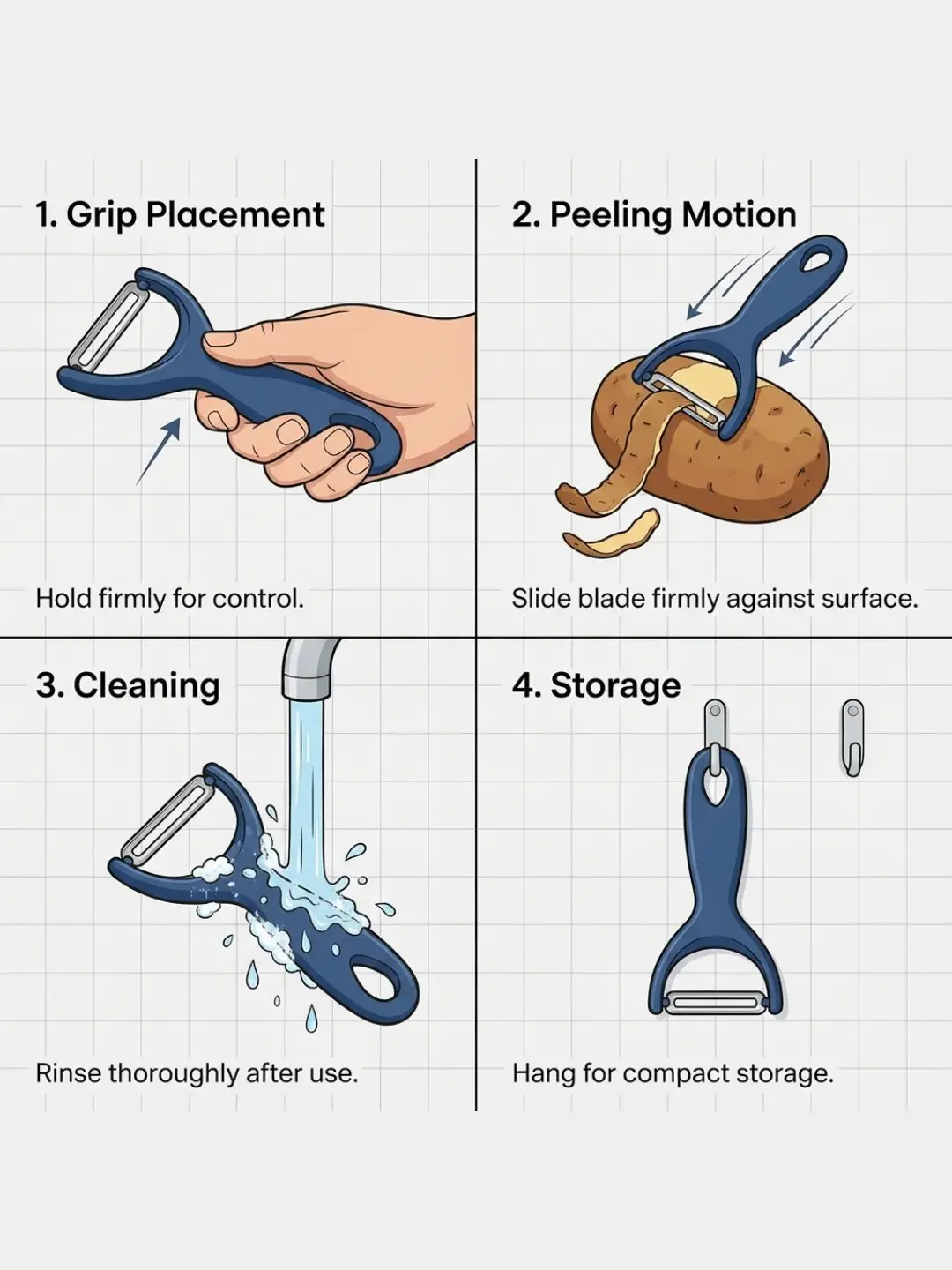
Why do one-shot infographics keep failing?
Infographics are a mixed task. You need editing constraints (the product must not change), content structure (features, claims, disclaimers, units), visual hierarchy (typography, spacing, alignment, icon style), and set consistency (the whole SKU set looks like one system).
Asking one model to do everything in a single step is what makes the result unstable. A workflow makes it stable by separating variables: each step has one job, and you can rerun only the step that failed.
What’s the workflow idea? (3 stages, one clean output system)
Think of it as three stages:
Stage 1: product standardization (keep the product truthful)
Goal: create a clean base image that is easy to design on top of.
In practice, you will get more stable results when the product image has clear edges and minimal occlusion, the background is simple, and key details (logo, texture, structure) are clearly visible. That is what makes the base designable.
This stage reduces the most expensive failure later: the product being redrawn while you are trying to add text.
- Clear product image
- Clean, designable base
- Preserve logo, structure, and texture
- If the base breaks, everything breaks
Stage 2: generate structured selling points (copy before design)
Instead of asking for “cool marketing text,” generate structured fields: a short feature name, a clear one-line benefit, and an optional supporting detail (preferably measurable when applicable).
This is where you can enforce brand tone and compliance language. It also makes it easy to keep claims consistent across SKUs.
- Product features + constraints
- Short title + one-line benefit + optional detail
- No exaggeration or invented specs
- Structure first, layout later
Stage 3: render a consistent infographic set (design system > randomness)
Now you render.
The key is to define a reusable visual system: one headline style and one body style, predictable zones for product/headline/callouts, lower density per image (fewer callouts, more images per set), and multi-aspect exports for different placements.
When you do it this way, you stop trying to “get the perfect all-in-one image.” You produce a set that works for commerce.
- Clean base + structured selling points
- Consistent infographic series
- Typography, spacing, hierarchy stay consistent
- Fewer callouts, more images
How should you write constraints so it scales across SKUs?
Use three layers of constraints. Start with product constraints (what must not change), then messaging constraints (what you are allowed to claim), and finish with design constraints (how the infographic should look).
You will get more stable results by being strict on (1) and (3), and concise on (2).
What goes wrong most often (and what should you adjust)?
The product changes
Go back to Stage 1 and standardize harder. Then make the “do not change” constraints explicit (logos, structure, material, no extra parts, no extra text on the product).
Typography looks cheap or inconsistent
Treat typography as a system. Reduce style variety. Use fewer fonts and fewer effects. Consistency beats cleverness for listings.
Too much information on one image
Do fewer callouts per image, and output more images per SKU. Your conversion rate will thank you.
What should you do next?
Start from the template:
Open the Product Infographics template
Once you get a set you like, save it as your reusable workflow. After that, scaling is mostly swapping product inputs.
FAQ
My typography looks random. What should I change first?
Treat typography like a system: fewer fonts, fewer effects, clear hierarchy, and stable spacing. For listings, consistency beats “creative” every time.
The product keeps changing when I add text. How do I prevent that?
Go back to Stage 1 and standardize harder, then make “do not change” constraints explicit (logos/structure/material/no extra parts/no text on the product itself).
Why do you recommend fewer callouts per image?
Because information density is what makes infographics look cheap. Put fewer points on each image and output more images per SKU. It reads cleaner and scales better.
Will the text on infographics be blurry?
If resolution is sufficient (2K or higher), text will not be blurry. But be careful: use simple title hierarchies and avoid dense small-font layouts. Models tend to produce unclear edges when processing small text.
How do I stop AI from inventing product features?
In Stage 2 (structured copy), lock down constraints: use only the information you provide, do not fabricate specs, do not exaggerate claims, do not add features the product doesn't have. Structured output is more controllable than free-form copy.
How do I keep infographic style consistent across multiple SKUs?
Treat layout as a design system: keep typography to title/body two levels only, make spacing and alignment fixed rules, limit colors to brand palette. After finishing one set, reuse these rules for other SKUs rather than reinventing each time.