Teams usually discover AI motion capture the hard way: you have a movement that converts (a pointing rhythm, a small dance loop, a product demo gesture), but you cannot reproduce it reliably across different characters, outfits, or SKUs. You try prompting dancing or walking confidently and the model gives you motion, but not that motion. Or you get something close once, then spend a day burning credits because the next 20 generations drift into different pacing, different limbs, different framing.
This article treats motion capture as a production primitive, not a VFX hobby. The goal is simple: separate performance from identity, turn the performance into a reusable asset, and then generate Pose-to-Video clips that can be iterated, repaired, and scaled inside a workflow. Scope: as of February 2026, focused on short-form commercial content (ads, UGC-style promos, influencer loops) rather than full film pipelines.
What AI motion capture means in creator workflows
In creator workflows, AI motion capture usually means markerless motion capture: you do not build a rig or record markers; you reuse a real performance by extracting a motion signal (often a pose sequence) from ordinary video, then drive generation with that signal. The output is not a skeleton file; the output is publishable video that keeps the timing and intent of the original action.
This matters because it changes the optimization target. You are not trying to write the perfect dance prompt. You are trying to provide a motion reference that is clean enough to transfer, so the model has fewer reasons to hallucinate missing limbs, invent transitions, or drift into a different beat.
How markerless motion capture becomes a controllable signal
Markerless motion capture works because modern pose estimation can turn each frame into a compact representation of a body: a set of keypoints (2D or 3D) that approximate head, shoulders, elbows, hips, knees, and ankles. In production terms, that pose sequence becomes your control layer: it tells the generator where the body should be over time, while you use separate inputs to decide who the character is and what the scene looks like.
If you only remember one line: pose is an instruction the model can execute. Adjectives are not. When a clip fails, you can improve the pose signal (cleaner reference, fewer occlusions, simpler motion) without touching identity or style, which is why motion capture becomes scalable once you treat it as a first-class asset.
A practical Pose-to-Video workflow that scales (and how it differs from prompting alone)
Pose-to-Video scales when you make the workflow rerunnable in pieces. The core pattern is: you keep one input responsible for identity, one input responsible for motion, and you only use text to bias style or details. That division is what makes the output debuggable: when you do not like the motion, you replace the motion reference; when you do not like the character, you swap the identity input; when the vibe is off, you adjust the prompt without rewriting everything.
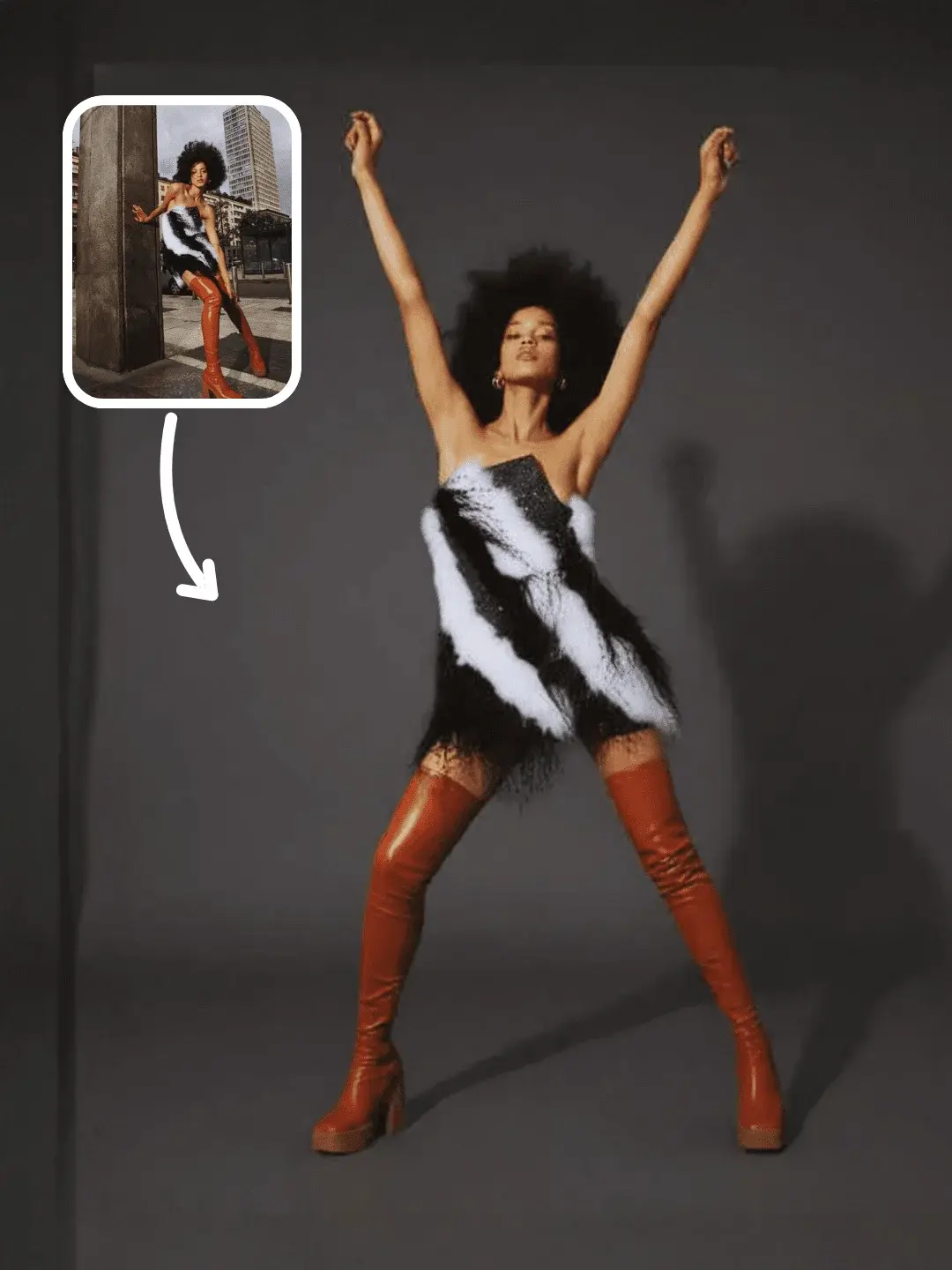
In OpenCreator, a good starting point is to combine pose ideation (to pick the pose language you want) with action transfer (to keep timing and rhythm consistent), then use storyboards to assemble multi-shot outputs. These three layers map cleanly to real production: pose library (what bodies do), motion asset (how they move), storyboard (how the final video is edited).
Related templates and workflows:
Model Poses Ideation template (pose library starter), and 12-shot storyboard workflow (assemble short narratives).
Choosing a motion reference clip: the rules that prevent melted limbs
The fastest way to waste credits is to feed fun reference footage that is actually a terrible motion source: fast cuts, shaky handheld camera, limbs leaving the frame, heavy self-occlusion, or extreme perspective. Markerless motion capture is not magic; if the model cannot consistently see the structure of the body, it will invent structure. That invention reads as wobble, limb swapping, or body deformation.
A usable reference clip usually has boring qualities: stable framing, consistent distance, the full body visible most of the time, and a movement that is clear in silhouette. If you are recording your own, treat it like a product demo shoot: put the performer in contrasty clothing, avoid baggy sleeves that hide elbows and wrists, avoid props that cover the torso, and keep the camera fixed. If you are selecting from existing content, pick clips with minimal edits and minimal occlusion, even if the performance is less dramatic.
An example you can actually reuse: turn a dance loop into an action asset
A simple way to understand the action-asset idea is to start from a short dance loop. You are not trying to ship a pet dance video; you are using it to see how a clean motion reference becomes reusable across identities and styles.
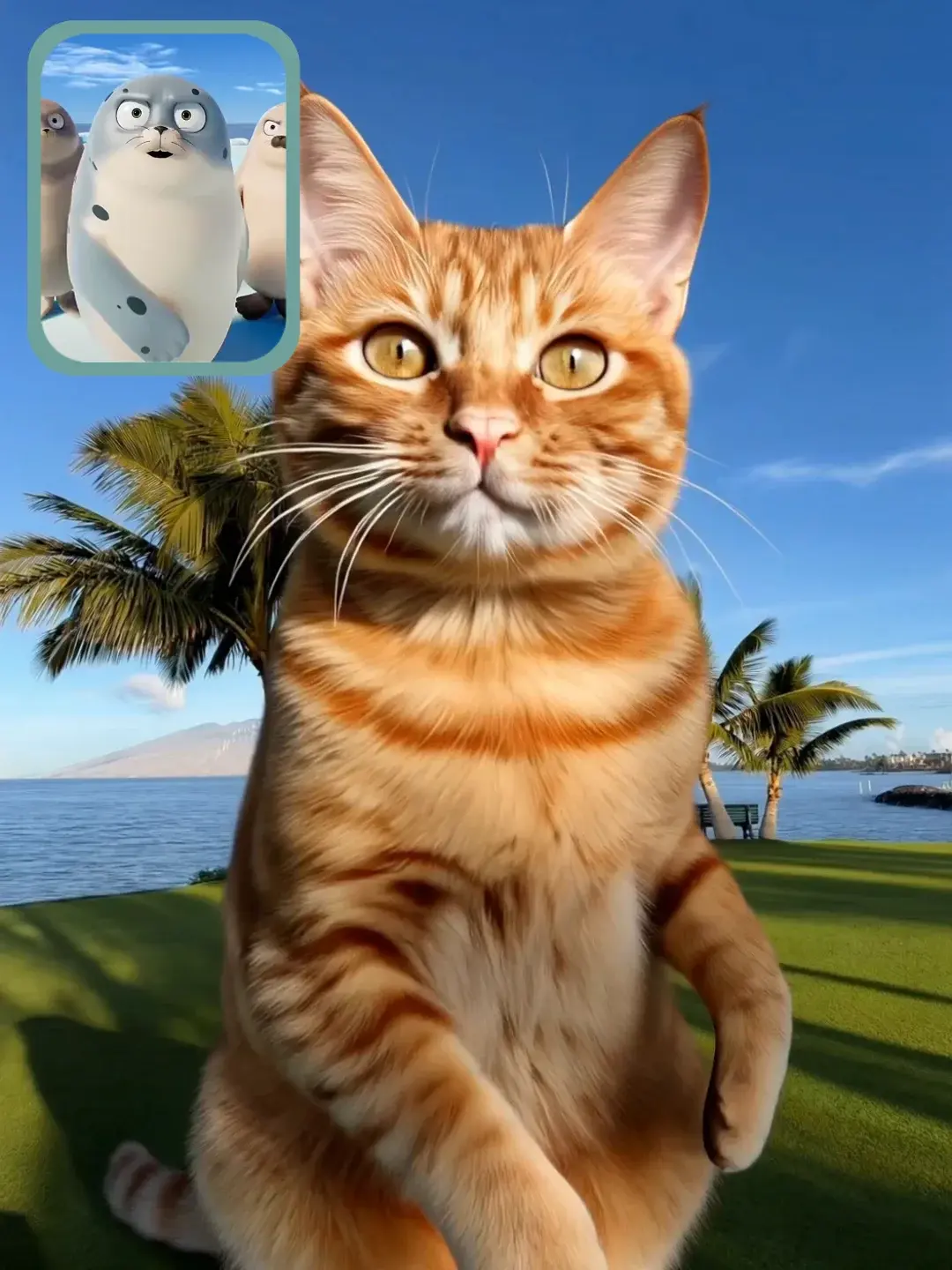
Once you have one motion loop that transfers reliably, it becomes a reusable piece of your production system. You can swap the subject into a virtual influencer, a model wearing different outfits, or a product presenter, and keep the movement rhythm consistent across campaigns. That consistency is where motion capture becomes an advantage for marketing: the performance becomes a recognizable pattern instead of a one-off lucky generation.
If your immediate goal is motion transfer from a reference video to a new subject, Kling's Motion Control atom is designed for that production intent. This guide goes deeper on inputs and failure modes: Kling Motion Control (motion transfer) atom guide.
Where Pose-to-Video breaks (and fixes that work without rewriting everything)
Pose-to-Video usually breaks for reasons you can predict. The first is visibility: wrists and ankles are small, fast, and often occluded, so they are the earliest points to drift. The second is self-contact: crossing arms, hands touching face, or legs crossing creates ambiguous topology for keypoint trackers, which then cascades into generative wobble. The third is perspective: when the performer rotates quickly or moves toward the camera, the same 2D pose can map to multiple 3D interpretations, and the model may choose a different body each second.
Fixes are mostly editorial, not poetic. Shorten the clip into 3-6 second chunks and stitch them; pick a reference with clearer limb separation; keep the performer centered; reduce camera motion; and prefer actions with readable silhouettes (pointing, waving, walking, simple turns) before you attempt complex choreography. If you need dramatic motion, it's often more stable to storyboard it into multiple shots than to force one long take to carry everything.
Motion capture, motion transfer, and camera control: which layer should do what
Motion capture is strongest when the priority is timing and rhythm. Motion transfer is strongest when you want to reuse a specific performance and swap identity. Camera control is strongest when the motion you care about is actually the camera: push, pull, orbit, pan, tilt. Teams get inconsistent results when they ask one layer to do everything at once, for example trying to do complex choreography and complex camera moves in the same short clip.
If you care about camera motion as a first-class control layer, start with the camera-focused guide and pair it with storyboards: AI camera movement control (push/pull/pan/orbit), and multi-camera storyboard workflow. When you keep responsibilities separate, you can combine them later in editing instead of forcing the model to solve every constraint in one sampling step.
Evidence notes (for teams that need a sanity check)
Markerless motion capture is not a marketing phrase; it is built on pose estimation and human pose reconstruction research that has become robust enough for production use. A few widely cited building blocks include OpenPose (Cao et al., CVPR 2017) for multi-person 2D pose estimation, MoveNet (Google / TensorFlow) and MediaPipe Pose for lightweight real-time keypoint tracking, VideoPose3D (Pavllo et al., 2019) for 3D pose estimation from video, and OpenCap (research published in 2023) as an example of markerless motion capture from ordinary camera footage.
You do not need to implement these systems yourself to benefit from them, but understanding their failure modes (occlusion, fast motion, perspective ambiguity) explains most Pose-to-Video glitches you see in practice.
FAQ
Is Pose-to-Video the same as motion capture?
In creator workflows, Pose-to-Video is usually the practical version of markerless motion capture: you extract pose from video and use it as a control signal to generate publishable clips. Traditional studio mocap is still a different pipeline (markers, rigs, retargeting).
Do I need a clean studio recording to get usable results?
No, but you need a clean reference. Stable framing, consistent distance, and visible limbs matter more than fancy backgrounds. A boring reference clip often transfers better than a cinematic one.
Why do hands break first?
Hands are small, move fast, and self-occlude constantly. If your reference hides wrists/fingers for multiple frames, the model will invent transitions. In production, simplify gestures and keep hands visible when you are building your first motion library.
What's the fastest way to make this repeatable for weekly content?
Treat motion references as assets. Build a small library of winning motions (5-20 short loops), then swap identity inputs per campaign. A workflow-based approach is what turns one good demo into a reliable publishing system.