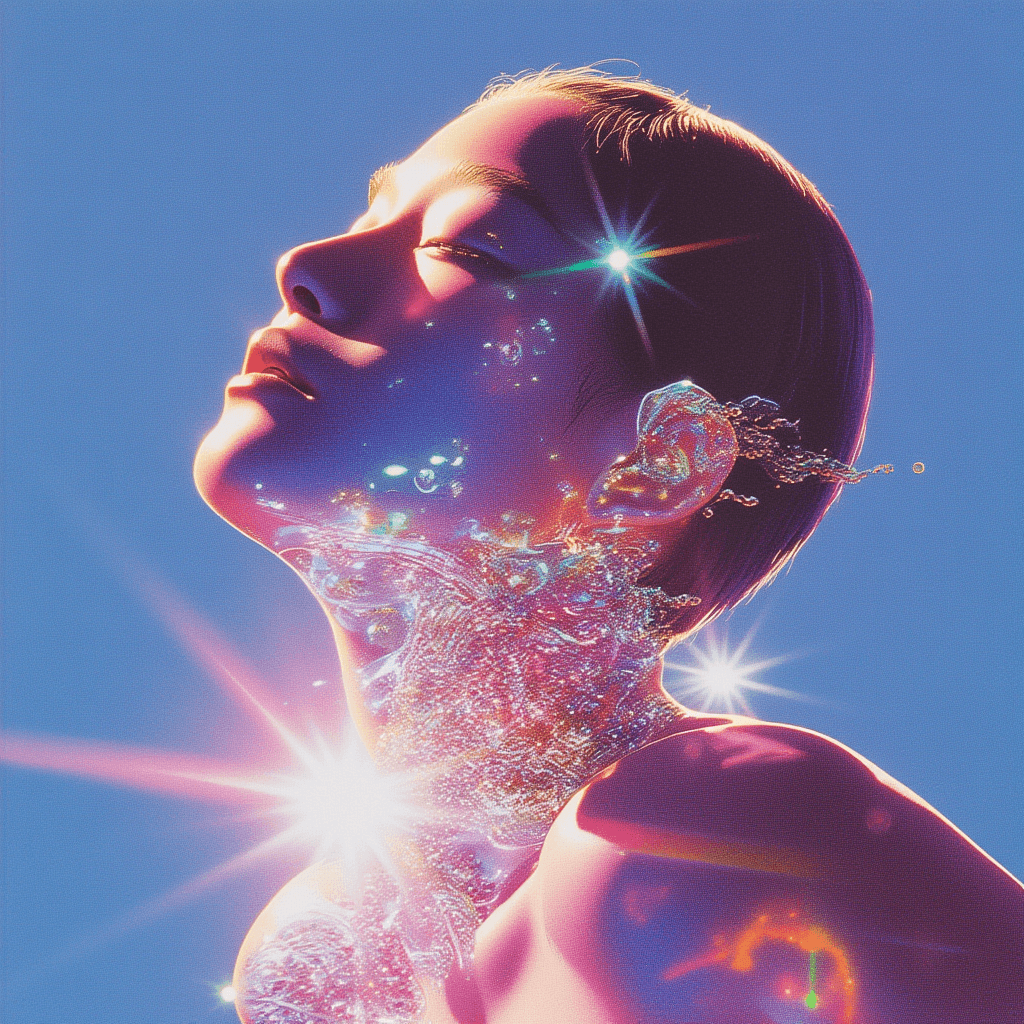
Most teams don't fail at on-model images because the model can't do fashion. They fail because pose is treated like vibe. You write a line like confident, elegant, editorial pose and the generator gives you a pretty frame, but the body language is stiff, the hands feel staged, and the result does not look like a real person caught mid-action. Then you generate again, and again, and now your SKU set has five different posture styles that cannot be mixed on the same product page.
This post is about a more scalable approach: treat pose as a control layer, generate pose options in batches, and save the winning ones as a reusable pose library. Scope: as of February 2026, focused on fashion and e-commerce teams who need repeatable, sellable poses rather than one-off editorial art.
The real problem: pose prompts are too abstract to execute
A pose is not a mood; it is geometry and intent. When you only describe the mood (for example: confident, cute, premium), the model has no concrete constraints for where the weight sits, where the hands go, how the shoulders rotate, or how the head aligns with the camera. So it fills the gaps with defaults, and defaults look like mannequins.
The fix is not writing longer prompts. The fix is writing executable pose constraints: where the weight is, what the hands are doing relative to the torso, what the camera distance is, and what must not change. Once you do that, pose becomes something you can iterate on and reuse across SKUs.
How to describe a sellable pose (without turning the prompt into a checklist)
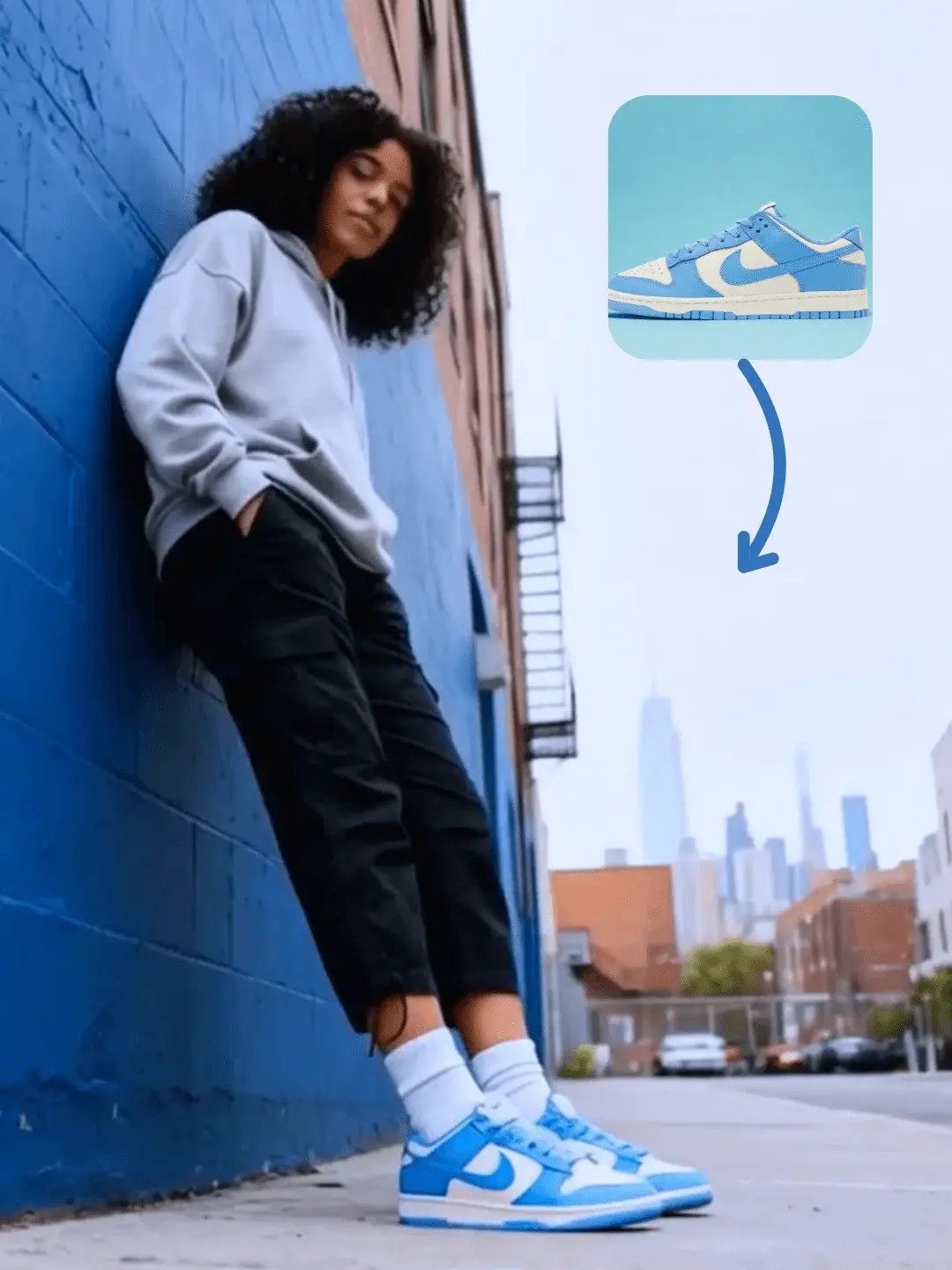
A sellable pose usually reads as an action, even in a still image. Standing and looking at camera often becomes stiff. Adjusting the jacket cuff while glancing at camera gives the model a reason to place hands, shift weight, and create asymmetry, which is what makes the body language look natural.
In practice, you get better results by anchoring pose with three pieces of information, written as normal sentences instead of bullet spam. First, specify the weight shift (one leg as the support leg, slight hip shift, relaxed shoulder). Second, specify a hand task (hold a strap, touch collar, place one hand in pocket, hold product at waist height). Third, specify the camera framing (full body, 3/4 body, waist-up) so the model doesn't improvise a crop that breaks your catalog consistency.
If you want a single prompt habit: use verbs. Verbs create poses. Adjectives decorate them.
Why pose libraries beat single generations (consistency is a workflow problem)
On-model consistency is rarely solved by finding the best model. It is solved by controlling variance. A pose library is simply a set of pose patterns that you have already validated: they look natural, they show the garment clearly, and they work across multiple products. Once you have a library, your weekly production becomes substitution: swap garment inputs, swap backgrounds, keep pose patterns stable.
This is why teams who rely on one-off generations often feel stuck. Every generation is a new pose invention, so the catalog drifts. With a pose library, pose becomes a reusable asset, like a photography shot list.
The fastest way to build a pose library: generate pose options as a grid
The easiest way to build a pose library is to generate pose options in a grid so you can compare them side-by-side. You are not trying to pick the best single image. You are trying to pick the pose patterns you want to standardize.
OpenCreator's Model Poses Ideation template is designed for this exact purpose: generate a batch of pose ideas that are commercial-friendly, then keep the winners as reusable references for future on-model shoots.
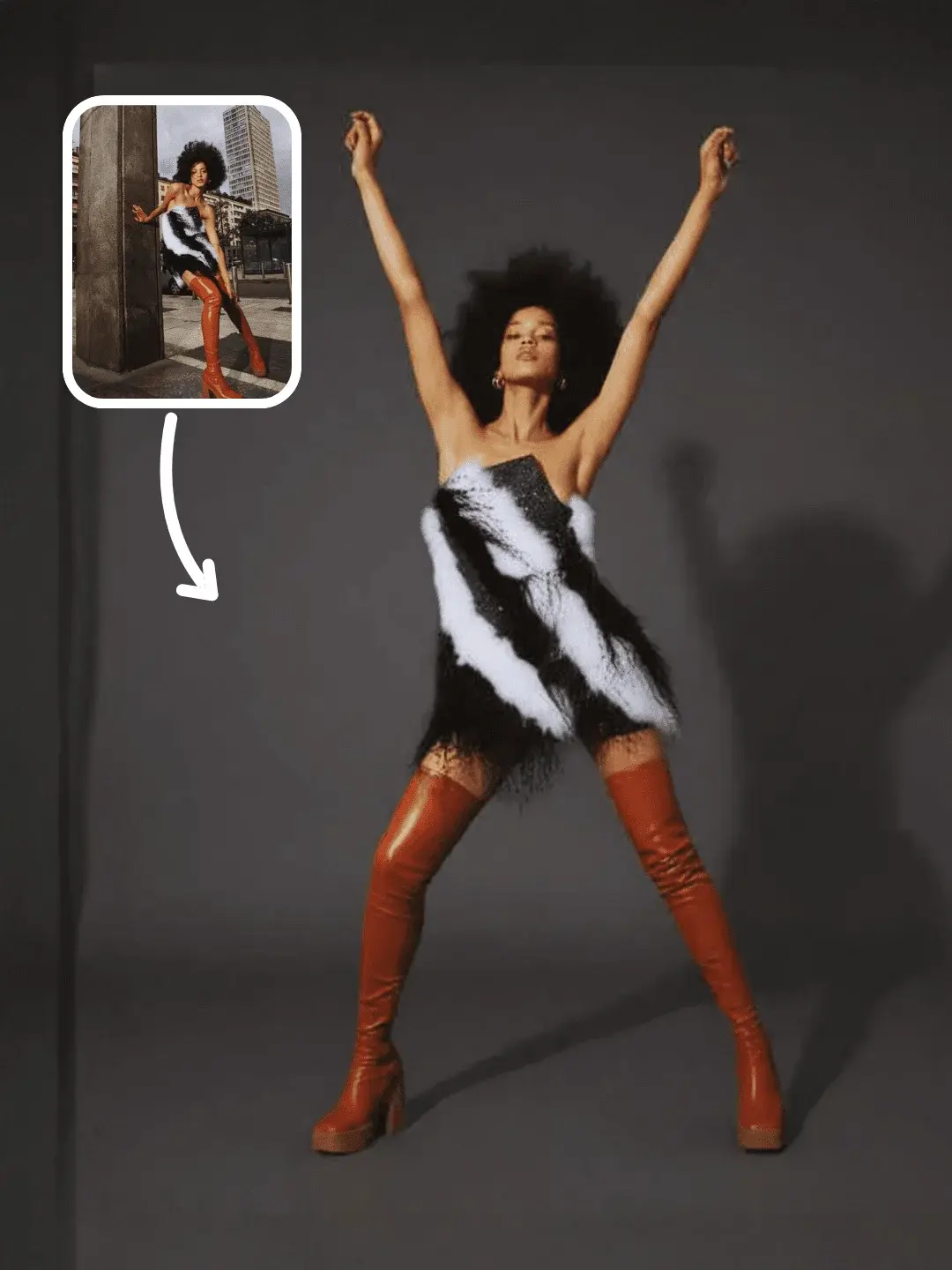
Start here: Model Poses Ideation template.
Once you have a few winners, you can feed those poses into downstream workflows (try-on images, on-model ads, or motion-driven clips) without reinventing body language every time.
Common pose failure modes (and the small fixes that prevent them)
Most bad-pose outputs are not random. They come from a few predictable failure modes: hands doing nothing, arms symmetrically hanging, shoulders squared to camera with no twist, or the body being cropped in a way that destroys proportions. When you see these, don't fight with more adjectives. Give the pose a task, add asymmetry, and lock framing.
A simple repair pattern is to add one action that forces structure: one hand in pocket, the other hand holds the bag strap, slight torso twist to camera left, chin slightly down, eyes to camera, one foot half-step forward. These are small instructions, but they turn the pose into a physically plausible configuration.
When poses need to move: connect pose libraries to motion workflows
Pose libraries solve still-image consistency, but many teams eventually need the pose to become motion: a turn, a walk cycle, a gesture loop. When that happens, the best workflow is still the same separation of responsibilities: keep identity stable, reuse a motion reference, and let text only bias style.
If motion is your next step, this guide is a practical bridge from still poses to Pose-to-Video and action transfer workflows: AI motion capture and Pose-to-Video workflows. For camera-focused motion (push, pan, orbit), treat camera control as its own layer and pair it with storyboards: AI camera movement control.
FAQ
What's the difference between a pose library and a style guide?
A style guide describes how things should look. A pose library is executable: it contains validated pose patterns that can be reused as references so your outputs stay consistent across SKUs.
How many poses do I need before this becomes useful?
Fewer than you think. A library of 10-20 sellable pose patterns is enough to cover most catalog needs if you include a mix of full-body, 3/4, and waist-up patterns.
Why do my AI poses look like mannequins?
Because the prompt is missing constraints. Add weight shift, a hand task, and fixed framing. Those three usually remove the catalog mannequin vibe faster than adding more adjectives.
What should I standardize first: background or pose?
Standardize pose first if on-model consistency is the priority. Backgrounds can be swapped later, but body language differences are harder to hide across a product set.