AI models for your clothing line
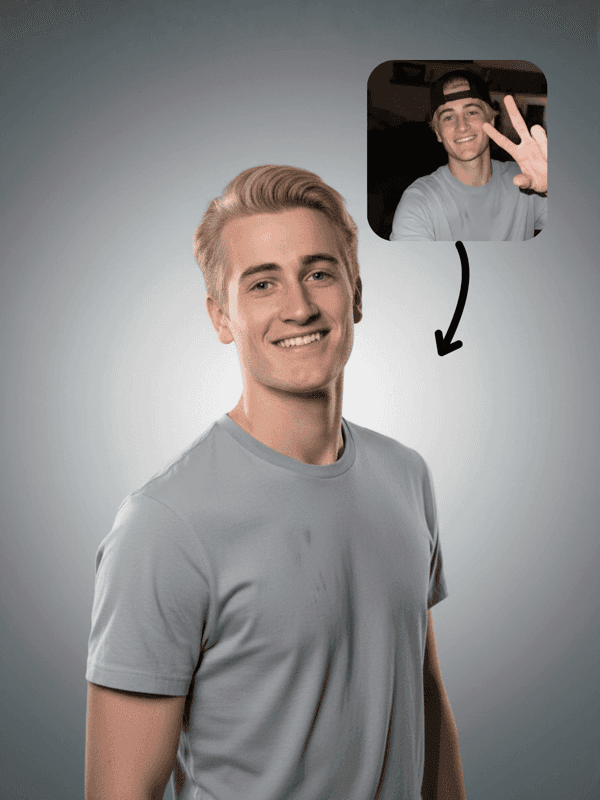
Show every piece on the right model without coordinating photoshoots. Use AI try-on workflows to turn simple garment photos into on-model, lookbook, and UGC-style imagery for your store and campaigns.
Unlimited
AI Models
90% less
vs Photoshoot
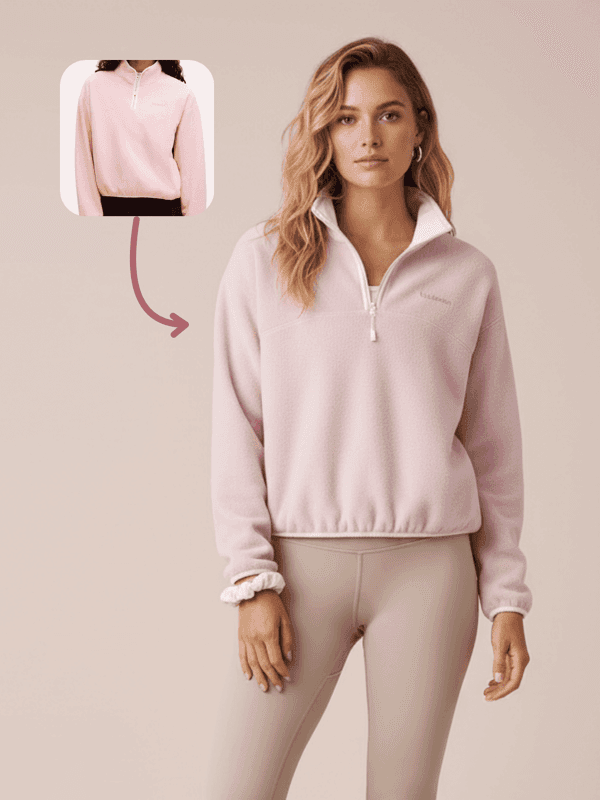
No models needed
AI
generated models
Save
90%
vs photoshoots
One solution for fashion imagery
Run the same workflow across your catalog: one setup for PDPs, one for lookbooks, one for social. The node graph stays stable – lighting, camera, background – while you swap garments in and out to keep collections visually consistent.
Virtual Try-On
Clothing on AI models


.jpg&w=3840&q=75)
Lookbooks & Campaigns
Editorial-style imagery


UGC & Social Content
Authentic-looking promos
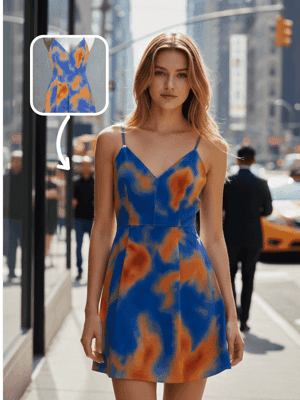
Streetwear UGC Promo
Explore→
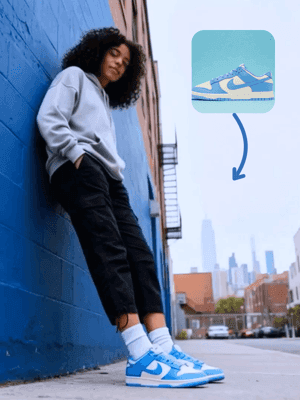
Sportswear On-Model Ad
Explore→
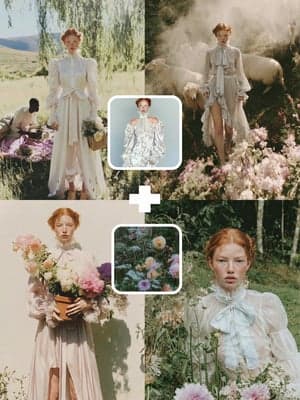
AI Fashion Outdoor Shorts
Explore→
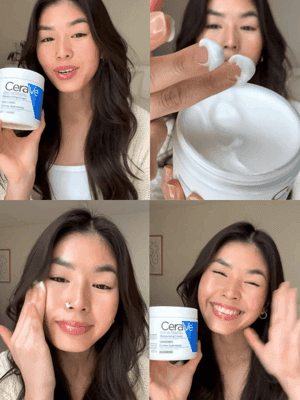
Sora 2 x UGC Promo
Explore→
.png&w=3840&q=75)
Live Model AI Environment
Explore→
.png&w=3840&q=75)
Texture Projection (Home Textiles)
Explore→
.png&w=3840&q=75)
Product to Background (Bags & Shoes)
Explore→
.png&w=3840&q=75)
Product to Background (Outdoor Gear)
Explore→
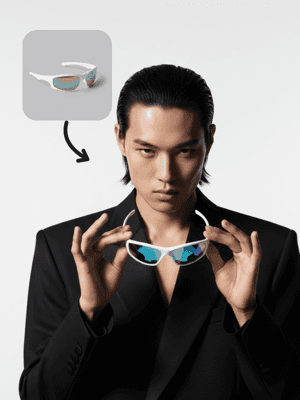
Editorial Photography
Explore→
.png&w=3840&q=75)
Christmas Fashion Storyboards
Explore→
(4).jpg&w=3840&q=75)
Christmas Fashion Editorial
Explore→
Fabric → Skirt → Model Catwalk
Explore→
AIGC Fashion Photography
Explore→
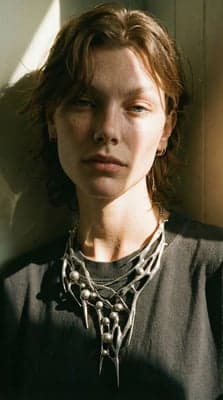
Accessories Model Scene Reproduction
Explore→
Brand Fashion Editorial
Explore→
TikTok Fashion Haul
Explore→
Fashion Accessories Display
Explore→
Apparel AI Promotional Video
Explore→
E-commerce Fashion Model
Explore→
Clothing Promotion Short Film
Explore→
Built for
Skip the expensive photoshoots. Generate professional fashion imagery at a fraction of the cost.
Fashion Brands
Launch new collections faster with AI-generated model imagery. Show your clothing on diverse models without coordinating shoots.
Online Sellers
Create professional product listings with model imagery that converts. Perfect for Shopify, Amazon, and marketplace sellers.
Content Creators
Generate fashion content for social media without expensive photoshoots. Perfect for influencers and stylists.
FAQ
Use clear photos where the garment is fully visible, not cropped, and not blocked by props or text. Flat-lay, ghost mannequin, or simple on-hanger shots work well. Avoid busy backgrounds, strong reflections, or heavy motion blur. If you are reusing existing model photos, make sure the clothing area is not already heavily retouched or distorted, otherwise the AI has less signal to work with.
Explore More Solutions
Discover other AI-powered workflows to elevate your creative production


Unleash Your
Creativity


