Upload live model photos
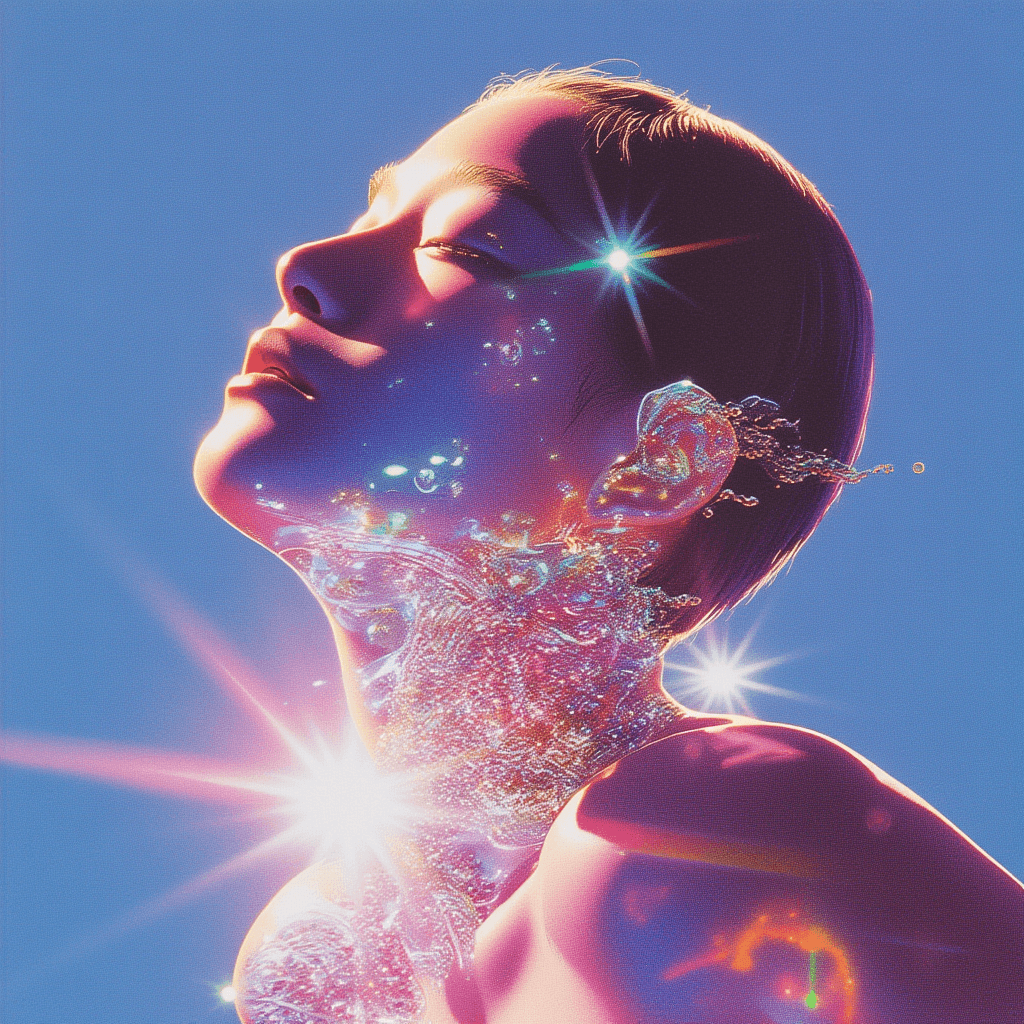
Start from studio shots, lookbook images, or UGC-style portraits where your model and outfit are clearly visible. The workflow detects the subject and prepares it for clean compositing.
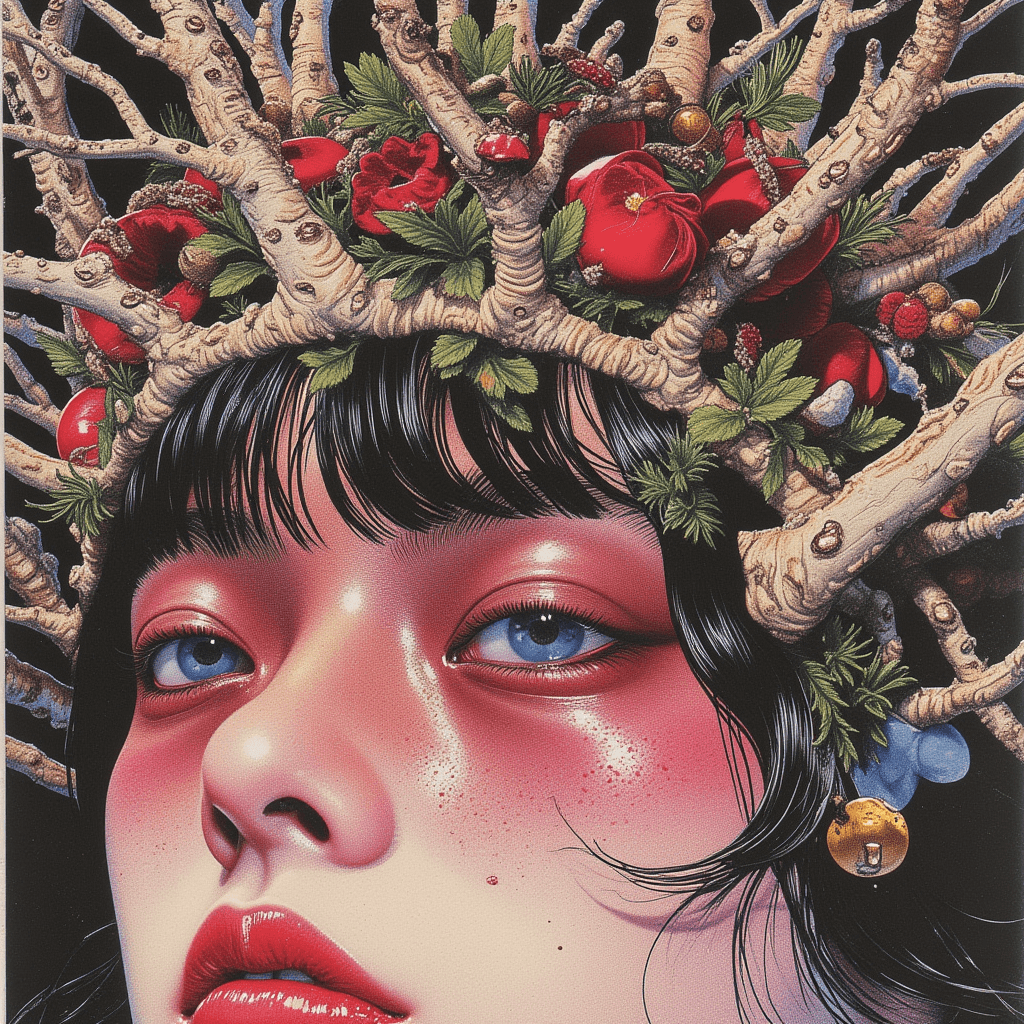
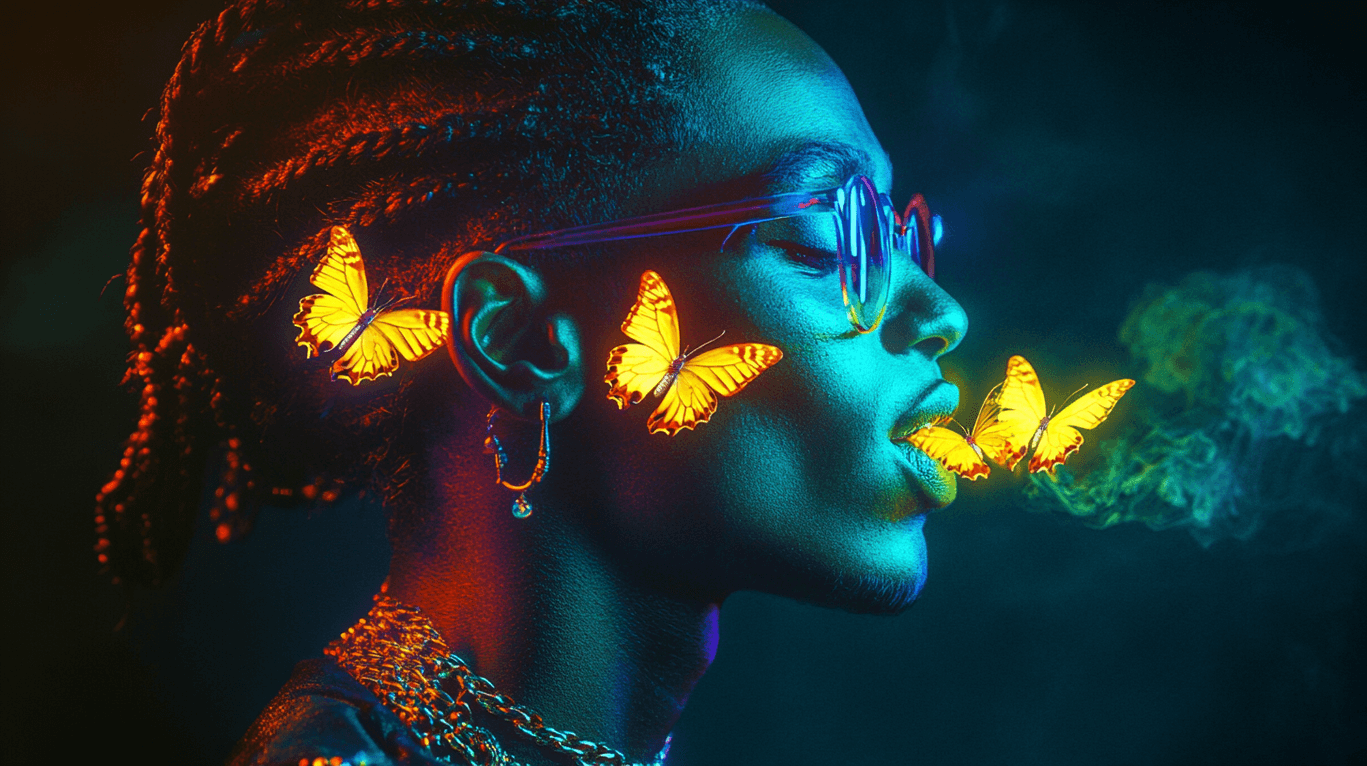
Turn one live model shoot into a full campaign library. Keep real people and styling, then use AI to build on-brand backgrounds, lighting, and scene variations for ads, PDPs, and social posts.
.png%3FimageMogr2%2Fformat%2Fwebp%7CimageMogr2%2Fquality%2F85%7CimageMogr2%2Fthumbnail%2F720x960&w=3840&q=75)
Follow the workflow from inputs to final creative output.
Start from studio shots, lookbook images, or UGC-style portraits where your model and outfit are clearly visible. The workflow detects the subject and prepares it for clean compositing.
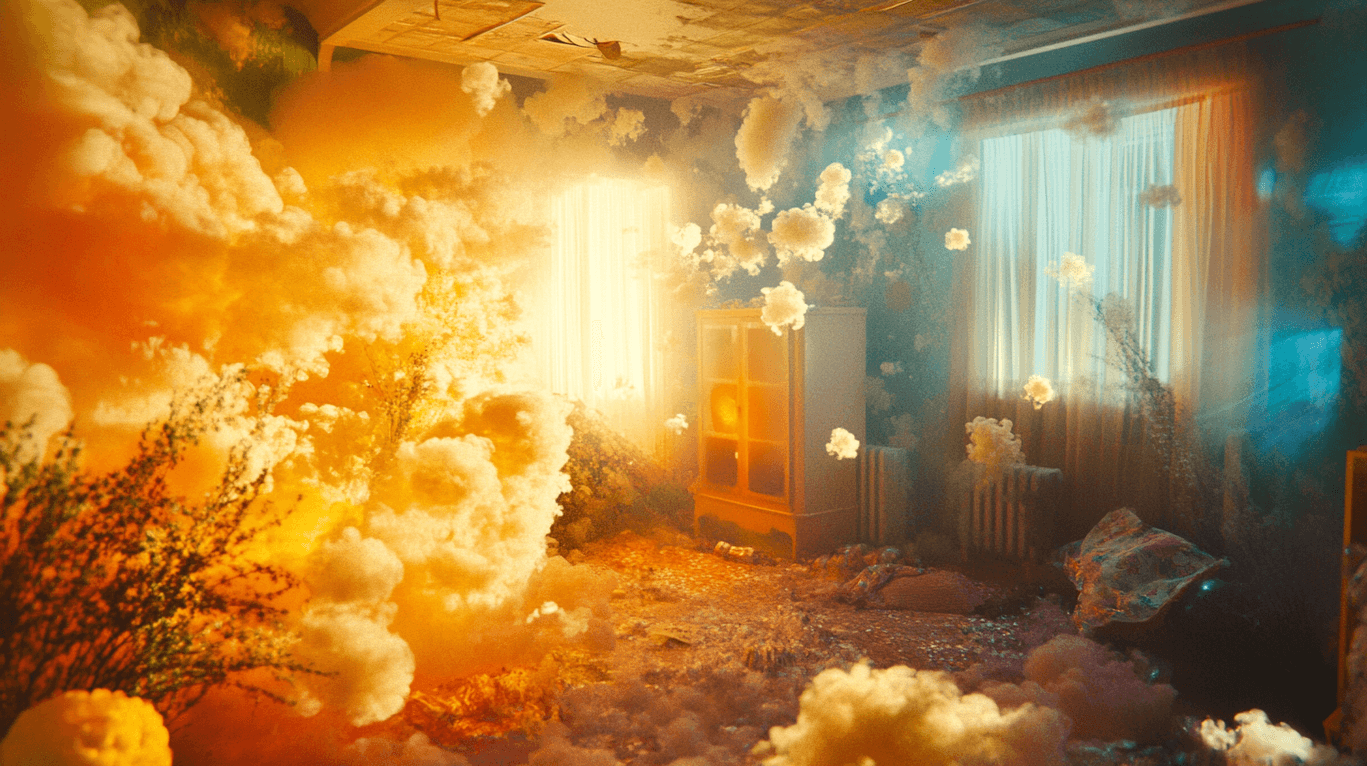
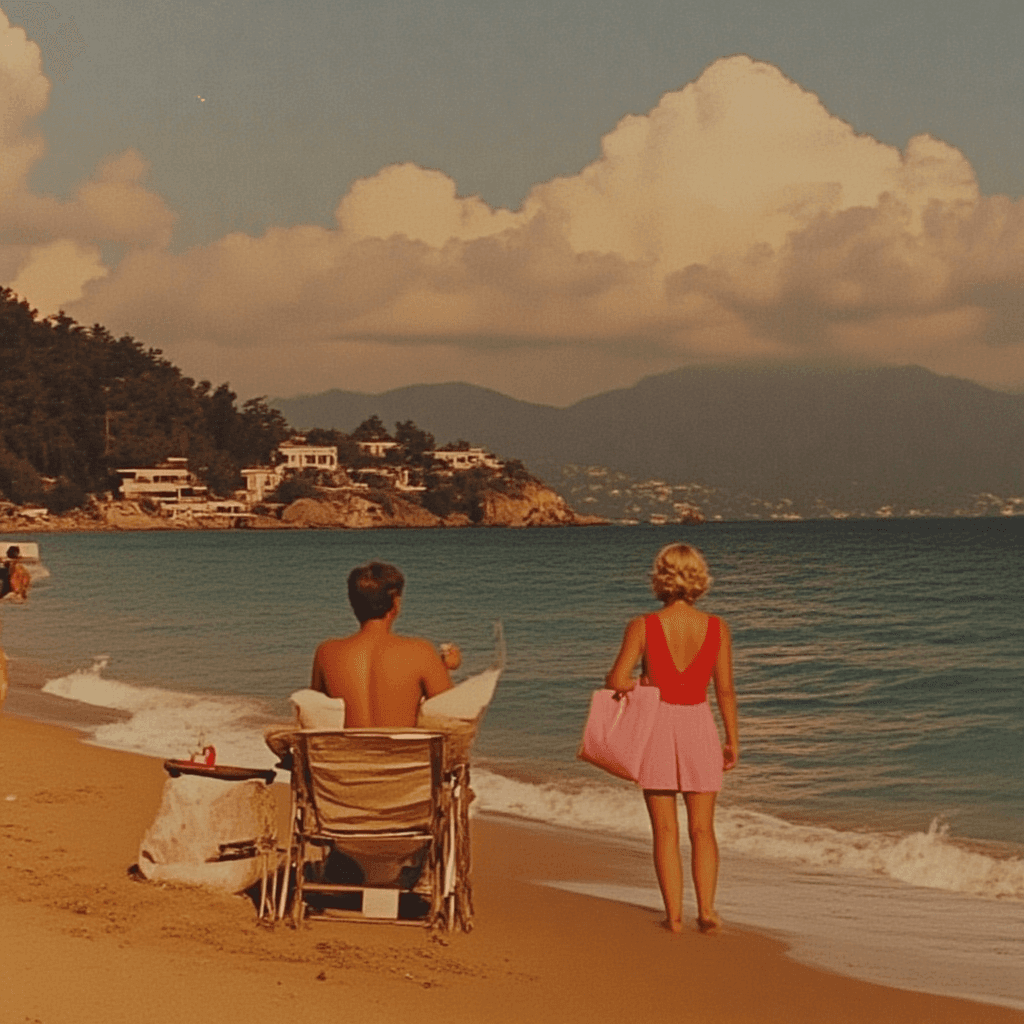
Write a short brief for the scene: city rooftop at sunset, minimalist studio, outdoor lifestyle, seasonal campaign, or any brand-specific backdrop you need.
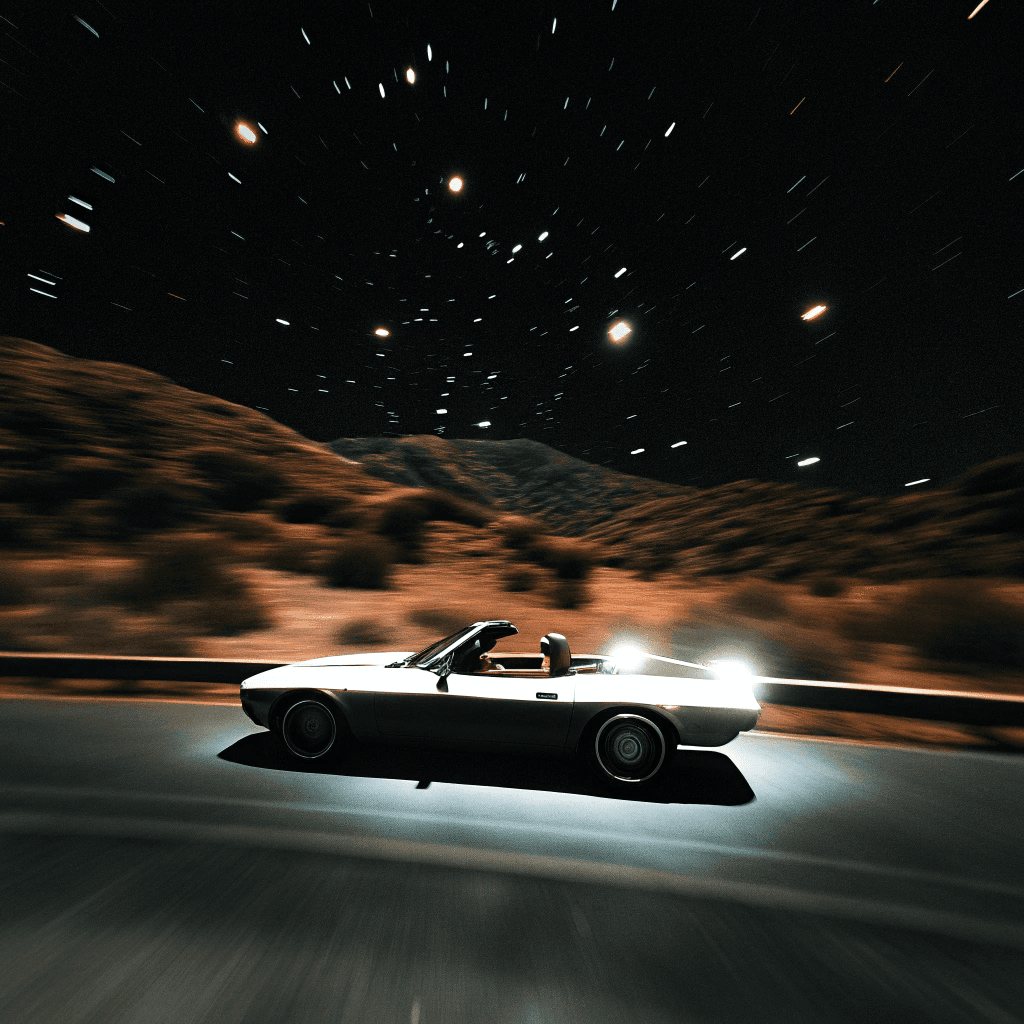
Using Banana Pro and image editing blocks, the workflow replaces or extends the background, matches lighting, and creates realistic AI environments that keep your model as the hero.
Compare multiple scenes and crops, select the strongest frames, and export high-quality images for ads, landing pages, and social campaigns.
Extend one studio or street shoot into multiple seasonal and channel-specific visuals without booking new locations every time.
Place real models into clean, premium, or experimental environments that match each product line and campaign story.
Quickly test different hooks, angles, and backgrounds for the same model shot, then double down on high-performing concepts.
Prototype moodboards and key visuals around existing talent photos before committing to larger photo or video productions.
See how we use OpenCreator to make stunning content. Customize them your way and bring your ideas to life with all the latest AI models.
#1 Unified Gen-AI Interface For Content Creators

@opencreator.io
We integrate all kinds of Gen-AI creative models into an intuitive interface allowing creators to produce high-quality content without switching models or paying for multiple subscriptions.

@opencreator.io
It is an AI workflow that keeps your real human model and outfits, while generating new environments, scenes, and backgrounds around them. You upload live model photos and describe the desired setting; the workflow outputs polished, on-brand visuals for campaigns and ads.