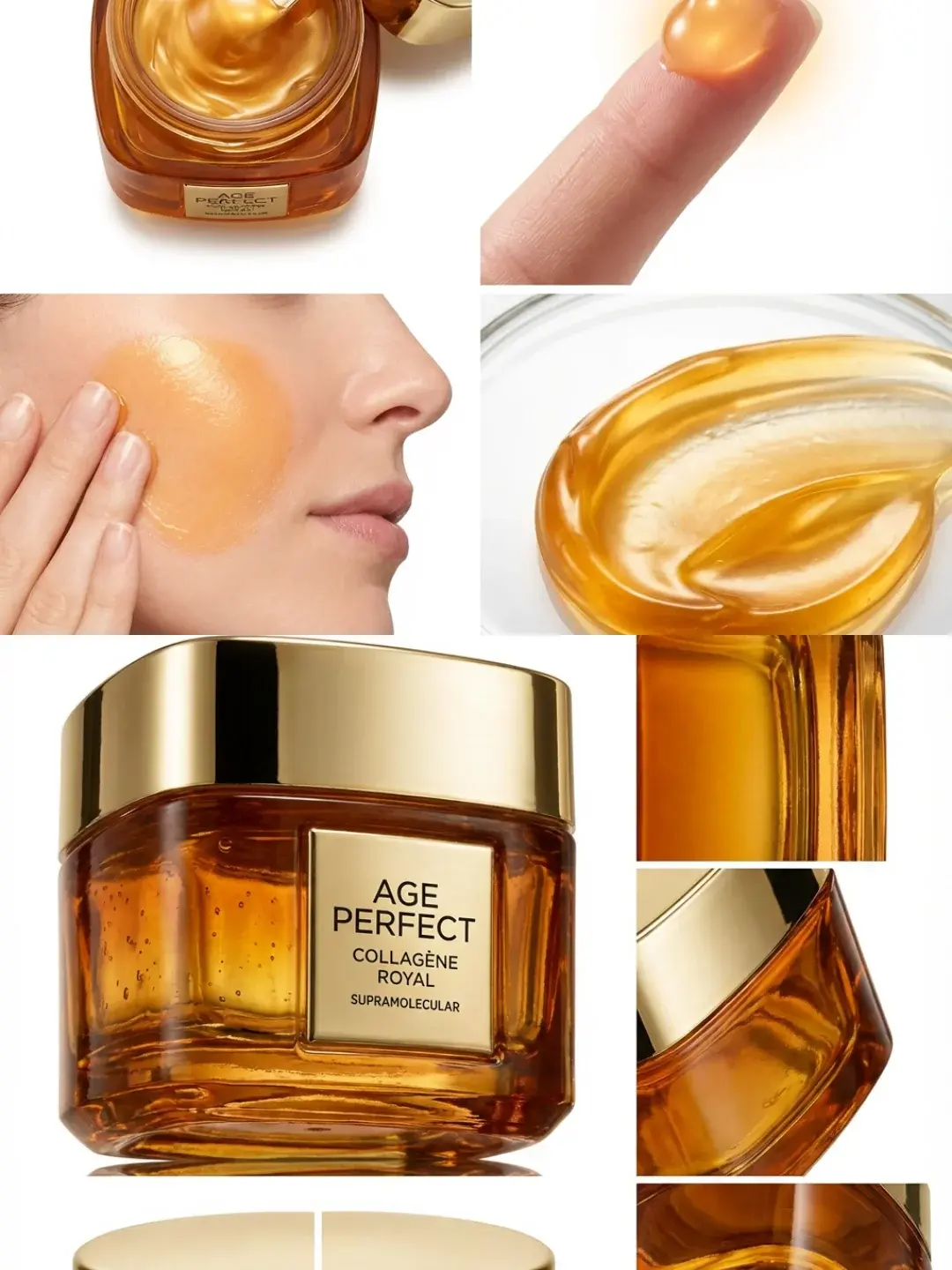
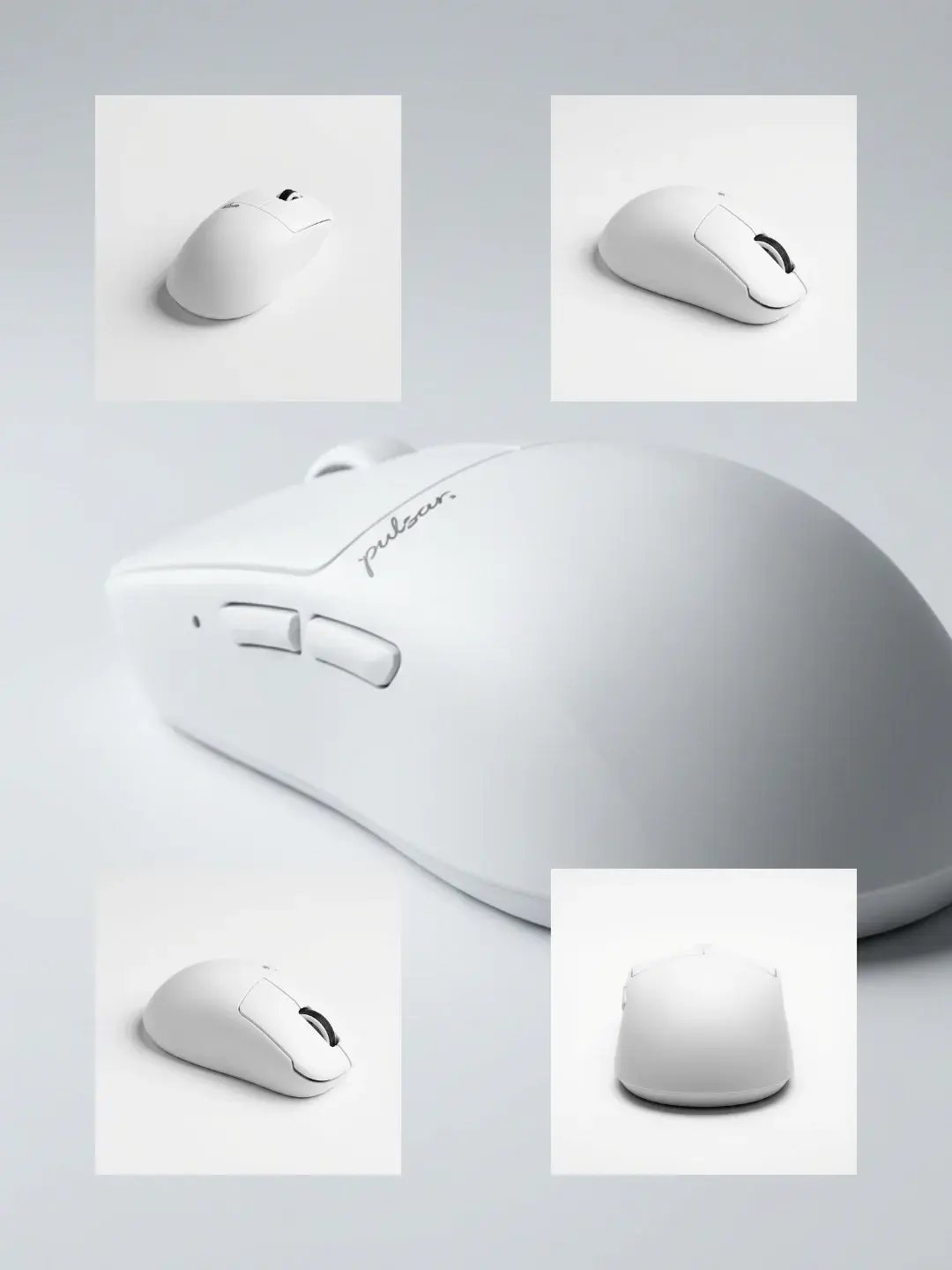
If you sell physical products online, angle change is not a creative experiment. It is a conversion and trust problem. Shoppers hesitate when they cannot answer simple questions like what the back looks like, how thick the edge is, or whether the silhouette is bulky. A multi-angle set (and sometimes a 360 view) solves that quickly, but the traditional way to produce it is slow: more shoots, more retouching, more coordination.
AI makes the idea tempting: take one hero image and generate the other angles. The reality is where teams get burned. If you ask for new viewpoints in a single step, the model often redraws the product along the way: a logo shifts, proportions drift, a button count changes, or the back view becomes a hallucination. Those are not cosmetic issues. They are listing risk, brand risk, and return risk.
This guide is about getting multi-angle product images that are usable, not just visually pleasing. It explains why angle change is unstable in one shot, and how to make it repeatable with workflows.
Scope: as of February 2026, focusing on e-commerce hero images and gallery sets (Shopify/Amazon-style secondary images) and short 360 videos for ads.
Quick Answer (What Works in Production)
Angle change becomes stable when you stop treating it as generating a new photo and instead treat it as re-rendering the same product from new viewpoints. In practice, that means your pipeline must do two things at once: it must keep product identity fixed (shape, logos, proportions) while allowing viewpoint and presentation to change (front/side/3-4/back, spacing, background, shadow).
The fastest way to get there is to split the job into a workflow: first make the product a clean, compositable asset; then generate the multi-angle set with strict fidelity constraints; then run a consistency pass where you only fix what drifted instead of restarting everything.
Why Angle Change Fails in One Step
When humans shoot multi-angle sets, they are doing a controlled operation: the product stays the same; only the camera position changes. Most generative models do not start from that assumption. If your prompt says show the back view, the model has to infer what the back looks like. If your product image contains text, logos, or repeating patterns, the model may approximate them. If your product is reflective or transparent, the model may invent reflections that imply a different geometry. Even when the output looks plausible at first glance, small inconsistencies are what get flagged by real buyers.
The common failure pattern is simple: a viewpoint request turns into a redesign request. You asked for angle; the model gave you angle plus a different product.
The Workflow That Makes Angle Change Repeatable
A production-minded angle-change pipeline looks like a studio shoot translated into nodes. You do not need more steps for the sake of steps. You need separation so that when something breaks, you can fix one stage instead of redoing everything.
Stage 1: Product Standardization (Lock the Product Before You Move the Camera)
Before generating any new angles, treat your input as a product asset, not as a scene. Clean edges, remove background residue, and make sure the product silhouette is clear. If the original image is noisy (busy background, strong shadows, occlusions), the model has to solve those ambiguities first, which increases the chance of geometry drift when you ask for new views.
This is also where you set the most important constraint in the whole pipeline: the product structure, texture, and logo must not change. If your workflow does not contain an explicit fidelity gate, the model will trade accuracy for plausibility.
Stage 2: Multi-Angle Generation (Change Viewpoint, Not Identity)
Once the product is clean, you can generate the set. The most stable generations are written like a photography brief, not like a vibe prompt. Instead of premium product photo from the side, specify the view and the camera relationship: left profile, 3/4 right, back view, top-down, macro detail. For e-commerce sets, the boring constraints matter most: consistent padding, neutral background, consistent shadows, and consistent focal length feel.
In this stage, you should expect to curate. Even with a good pipeline, multi-angle generation has a success-rate curve: you run a batch, then you select the best per angle, and only regenerate the angles that drifted.
Stage 3: Consistency Pass (Fix the Drift Without Starting Over)
The last stage is where most teams save time. If one of the angles changes a logo, mirrors text, or subtly shifts proportions, do not throw away the whole set. Patch the failing angle only, with stricter constraints and the standardized product as the anchor. This is how you go from lucky results to a reliable weekly process.
Templates You Can Start From (Multi-Angle and 360)
If you want a ready-made starting point, these templates are built for the exact problem above: multi-angle sets and 360 outputs that keep the product stable while varying the viewpoint.
For 360 view picture sets:
For 360 videos (useful for ads and short-form product hooks):
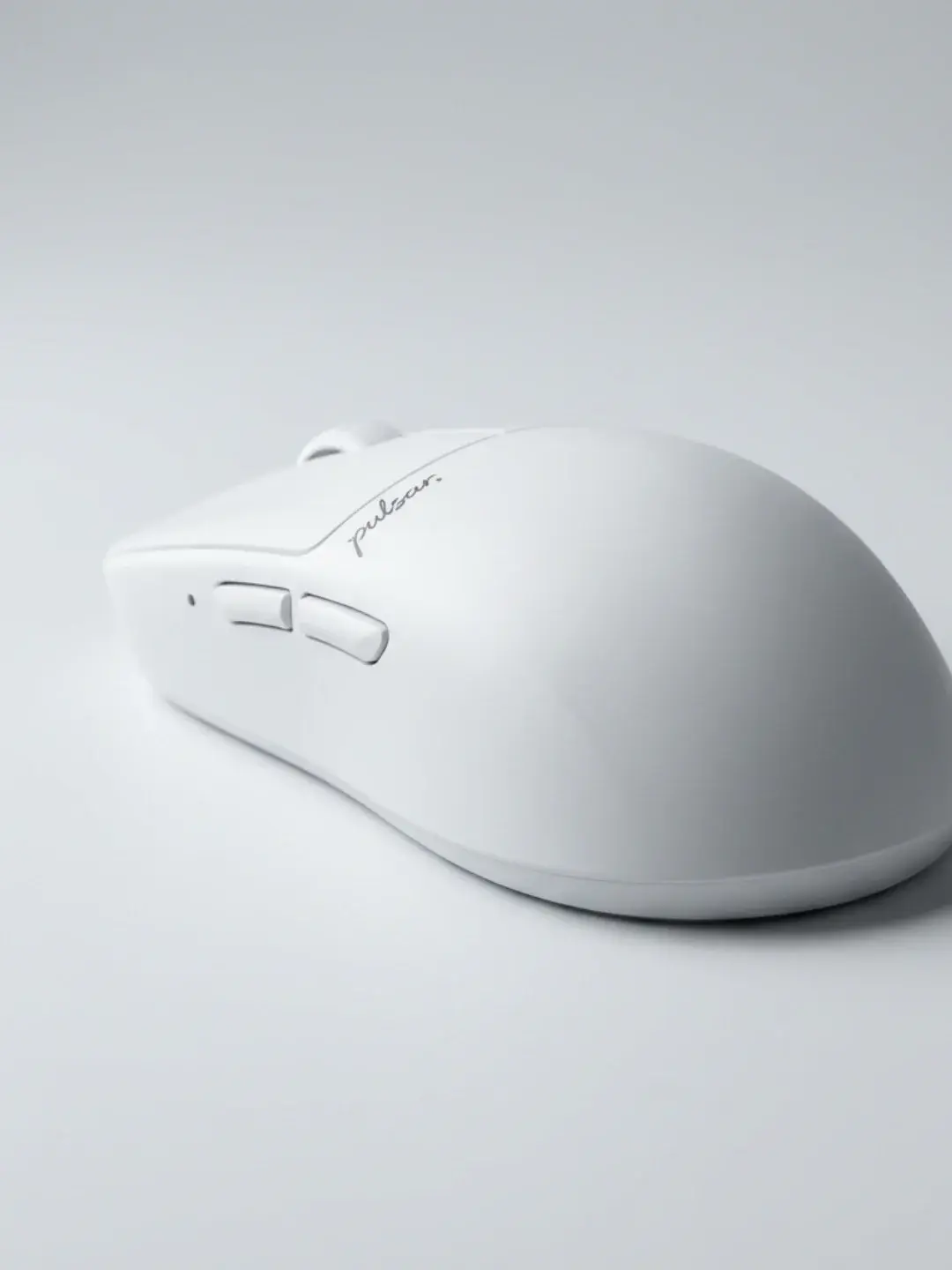
You can open these templates directly:
Open the Multi-angle Product Image Set template, Open the Product 360 View Picture template, and Open the Product 360 Video template.
If your bottleneck is still that the product changes when the background changes, fix that first:
How to swap product backgrounds without looking cheap and Open the Product Background Swap template.
Where Angle Change Works Best (and Where It Is Risky)
Angle-change workflows are most stable for products with clear geometry and non-reflective materials: sneakers, bags, solid cosmetics packaging, many electronics, and most matte household products. It gets riskier for translucent items (glass), mirror-like materials (polished metal), and products whose identity is mostly in fine text or dense patterns. In those categories, you can still use AI, but you should set expectations correctly: you may need more input views (not just one) or a stricter approval loop.
If you want one practical boundary condition: if your product has critical compliance text, do not ask the model to invent that text. Keep the text as a controlled layer in post, and treat the AI output as the visual base.
FAQ
Does AI angle change really work from a single product photo?
Sometimes, but whether it works depends on what you consider acceptable. For quick marketing visuals, one photo can be enough. For product-page sets where buyers zoom in on logos and edges, you will get far more consistent results if you standardize the product first and run angle generation as a controlled workflow, then patch only the angles that drift.
Why does the back view look wrong even when the front view is perfect?
Because the model cannot see the back. If you only provide a front view, the back is inference. The best mitigation is to treat back view as a higher-risk angle and require stricter curation, or provide additional reference views when you have them.
What is the most common angle-change failure for e-commerce?
Small identity drift: logos shift, text mirrors, proportions subtly change, or the silhouette becomes a different SKU. Those failures are why a workflow split matters. The goal is not to avoid failures entirely; the goal is to isolate them so you can fix one angle without restarting the whole set.
When should I use a 360 video instead of a multi-angle picture set?
Use a picture set when you need consistent, scannable gallery images (PDP listings). Use a 360 video when you need a hook for ads or short-form content. Many teams do both: a stable picture set for the listing and a short 360 clip for paid social.