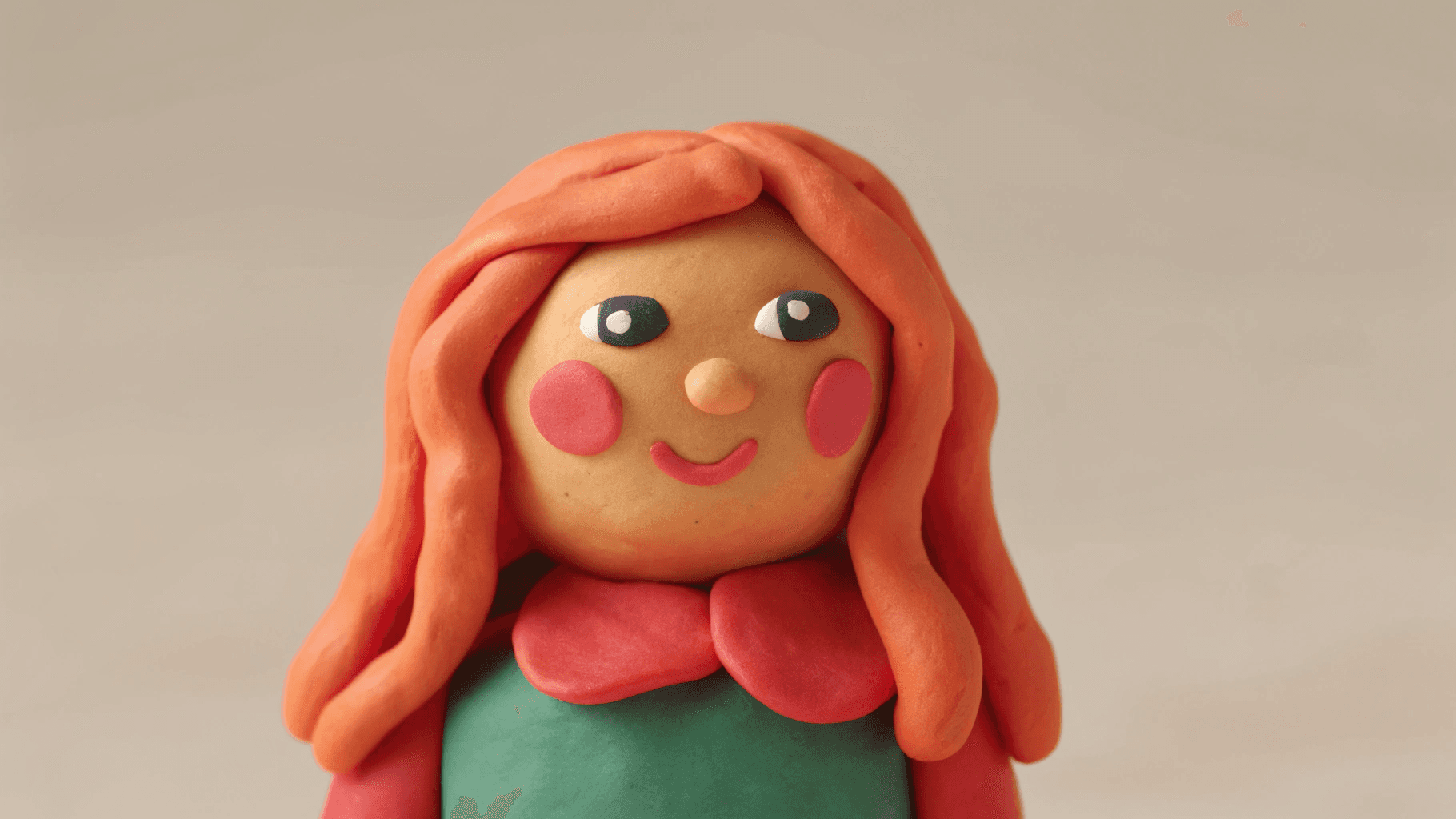
“Angle change” sounds simple until you do it in production. You want the same subject, from a different viewpoint, with the same identity, the same product details, and the same logos. But most AI edits treat viewpoint as a creative rewrite. The model happily gives you a new angle, and quietly changes the thing you are trying to keep fixed. For products, that means proportions drift and logos shift. For people, it means the profile looks like a different person. For both, the output may look plausible, but it stops being trustworthy.
This is why an angle-control atom is useful. It makes viewpoint a controllable variable inside a workflow, instead of a vague request buried in a long prompt. You stop asking for “a side view,” and you start specifying a camera relationship: rotate around the subject by a known amount, tilt up or down, and zoom in or out. That turns angle editing into something you can batch, compare, and rerun without rewriting your creative direction.
Scope: as of February 2026, focusing on image-based viewpoint editing for e-commerce assets, character reference sheets, and multi-view grids used in short-form video production.
Quick Answer (What Angle Control Actually Solves)
Angle control is not a promise that AI can “reconstruct 3D” from any input. What it solves is production stability. It gives you a consistent way to request viewpoint changes so you can generate a multi-view set, pick the angles that work, and regenerate only the failures. Without an angle-control layer, teams usually end up with a pile of outputs that are hard to compare because each run invents its own camera logic.
In other words, angle control is less about magical realism and more about predictable iteration.
What “Horizontal Angle” and “Vertical Angle” Mean in Practice
Most teams intuitively understand “rotate left/right” and “tilt up/down,” but in a workflow atom you need those ideas to become parameters. A horizontal angle is effectively an orbit around the subject: rotate the camera around the object on a flat plane. A vertical angle tilts the camera elevation: you see more top surface as you tilt down, and more underside as you tilt up, within the limits of what the input can plausibly support.
Zoom is not just cropping. In viewpoint editing, zoom changes how much of the subject dominates the frame, which changes what details the model is forced to preserve. For product assets, zooming in often increases the risk of detail drift unless fidelity constraints are strong, because the model has to hallucinate more micro-texture.
If you treat these as controllable parameters, your prompts become shorter and your outputs become easier to debug. If the 3/4 view fails, you change the angle parameter or tighten constraints, rather than rewriting the entire scene description.
In OpenCreator’s current angle-control setup, these camera-like controls are exposed as simple numeric inputs. The important part is not memorizing the numbers; it is that the pipeline can reuse the same values across SKUs or across a whole character series.
| Parameter | What it controls | Typical range (current) |
|---|---|---|
| Horizontal angle | Orbit left/right around the subject | 0–360 |
| Vertical angle | Tilt up/down (elevation) | -30–90 |
| Zoom | Subject framing dominance | 0–10 |
| LoRA scale | Strength of the angle-control behavior | 0–2 |
Why Angle Edits Cause Drift (And Why Workflows Reduce It)
Angle edits are hard because they combine two requirements that naturally conflict. You are asking the model to change geometry while keeping identity fixed. If the pipeline does not explicitly lock what must not change, the model will trade identity for plausibility, especially in areas it cannot see. That is not malicious; it is the model optimizing the easiest path to a “believable” image.
Workflows reduce drift because they force a consistent input discipline and they separate stages. You can standardize the subject first, apply angle control next, then run a consistency pass. The point is that failures become local. You do not restart everything when one angle is wrong.
Where Angle Control Is Most Useful (Products, Characters, and Shot Planning)
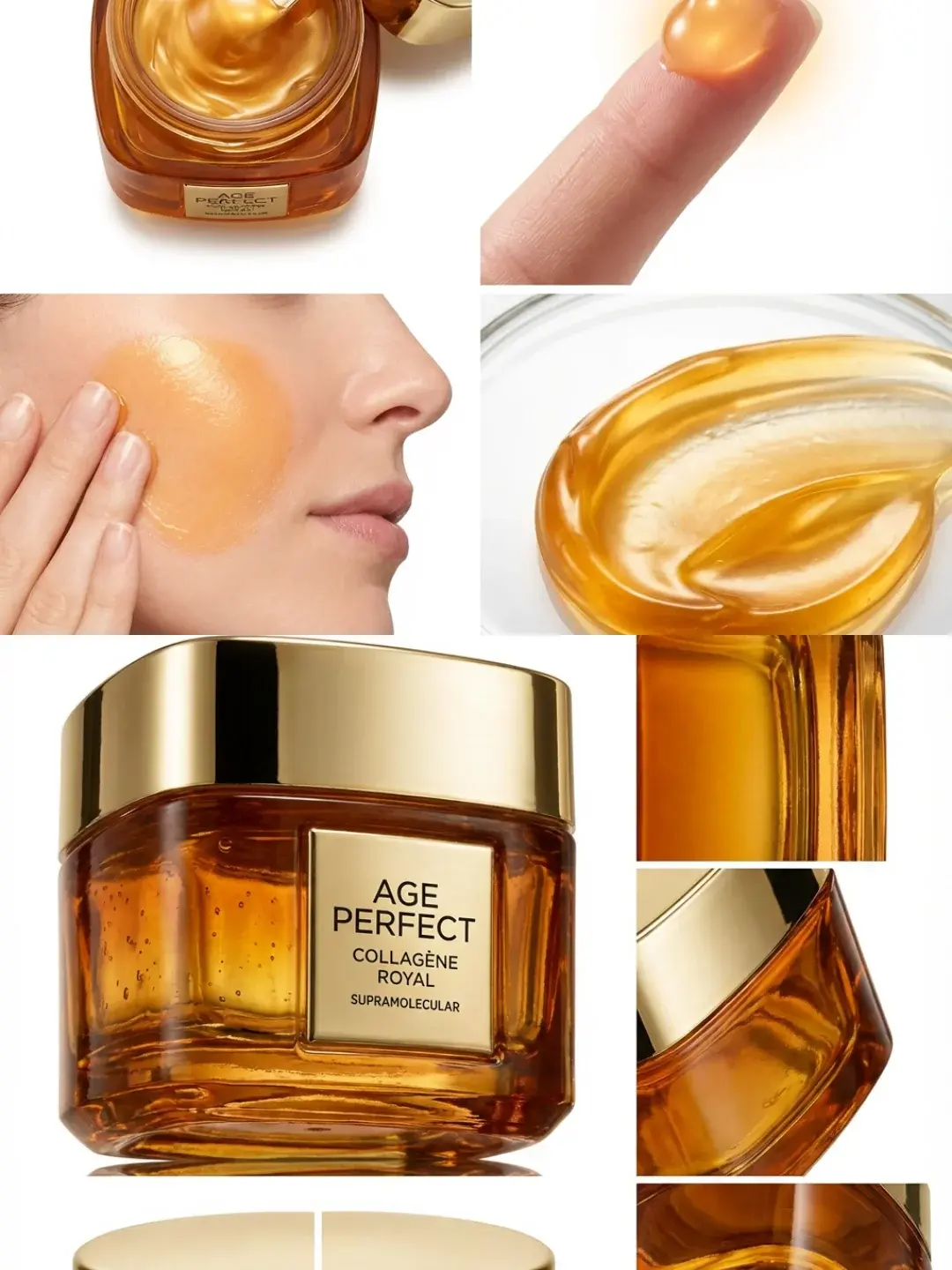
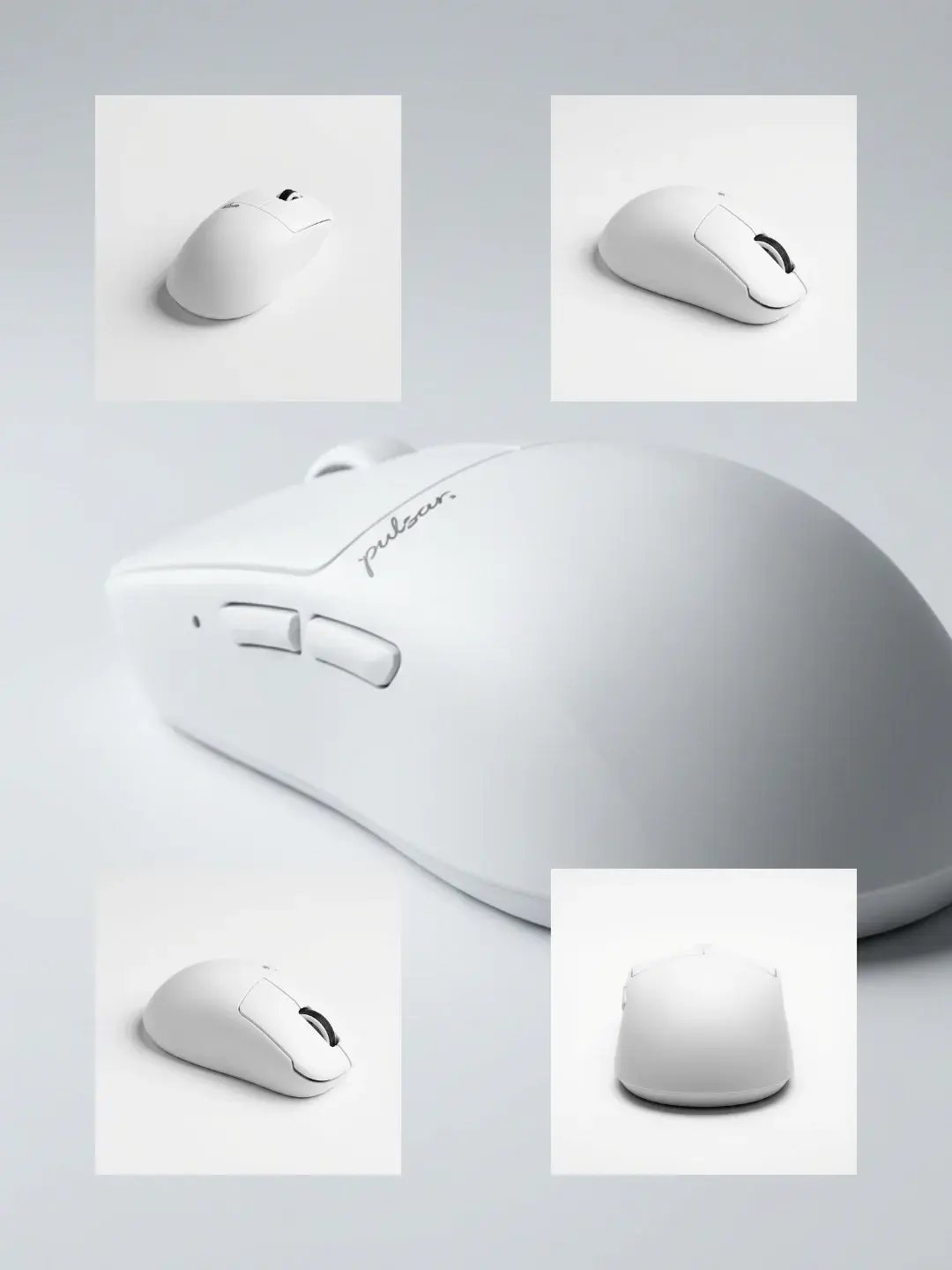
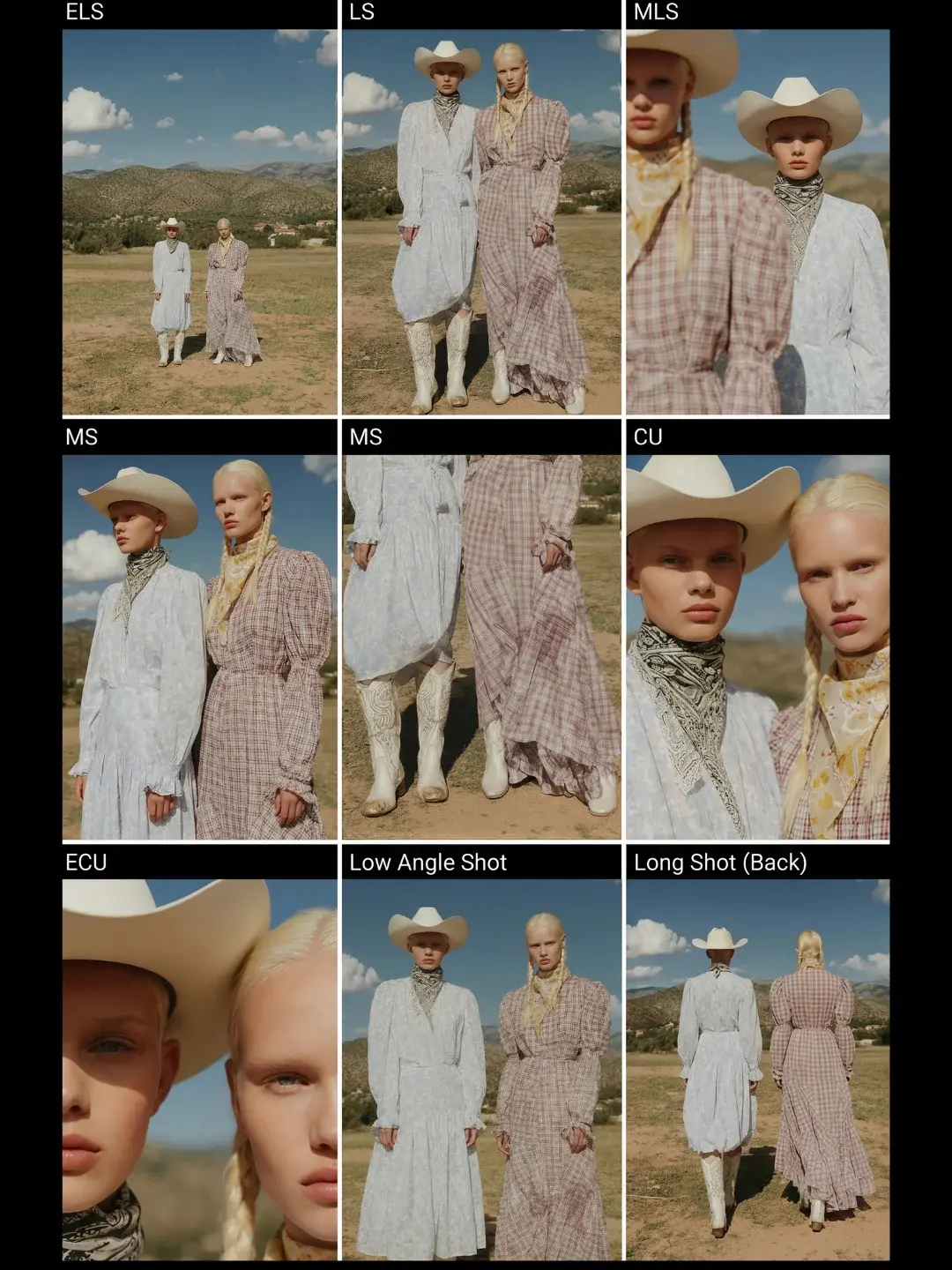
Angle control is most valuable in three production contexts. For products, it helps you generate multi-angle sets and 360-like grids without scheduling additional shoots, as long as you accept that high-risk angles (like true back views) may require more references. For characters, it is the foundation of multi-angle reference sheets, which are the simplest way to reduce identity drift across scenes. For video production, angle-controlled multi-view grids are a fast way to generate a shot library: you can see which camera framings read best before you commit to a full video workflow.
In practice, teams often combine this with storyboard workflows. First they generate a shot breakdown grid, then they generate a few angles with angle control to see which framings are stable for the subject, and then they move to video generation with a stronger shot plan.
Templates That Pair Naturally With Angle Control
If you want concrete starting points, these templates represent three adjacent jobs: multi-angle product image sets, 360 view assets, and shot breakdown grids that help you plan camera language.
If your goal is story-driven camera work, storyboards are the next layer of control: AI storyboard generator guide.
The Boundary Conditions (What Angle Control Cannot Fix)
Angle control does not eliminate the information problem. If the input does not contain enough detail, the model must invent it, and invention is where identity drift comes from. For products, that includes unseen surfaces, tiny text, and reflective materials whose appearance depends on the environment. For people, it includes occlusion (hair, hats), extreme makeup changes, and harsh lighting that changes perceived structure.
The production move is to treat these as boundary conditions, not as surprises. You can still use angle control, but you should expect more curation and you should avoid over-promising “perfect back views from a single front photo.”
FAQ
Is angle control the same as a lens preset or camera style?
No. Lens presets and camera styles are about aesthetics and photographic feel. Angle control is about viewpoint geometry: orbit, tilt, and zoom relative to the subject.
Can I generate a true back view from one front-view product image?
Sometimes for simple geometry, but it is inherently higher risk because the model cannot see the back. The best workflow is to generate a set, curate, and regenerate only the failing angles, or provide additional reference views when you have them.
Why do angle edits break logos and text?
Because text is a high-precision constraint and viewpoint editing forces the model to redraw surfaces. If you need exact text fidelity, treat text as a controlled layer in post, or lock the product fidelity before you attempt viewpoint changes.