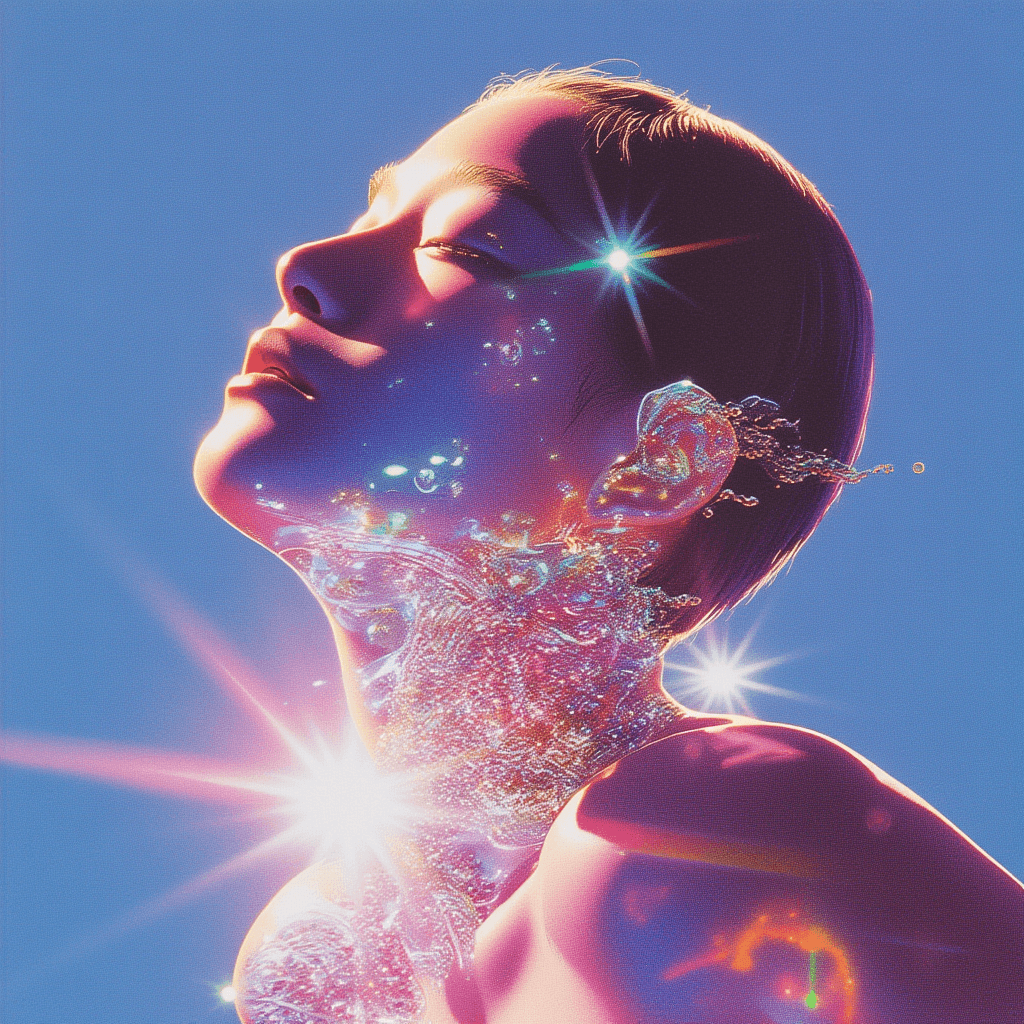
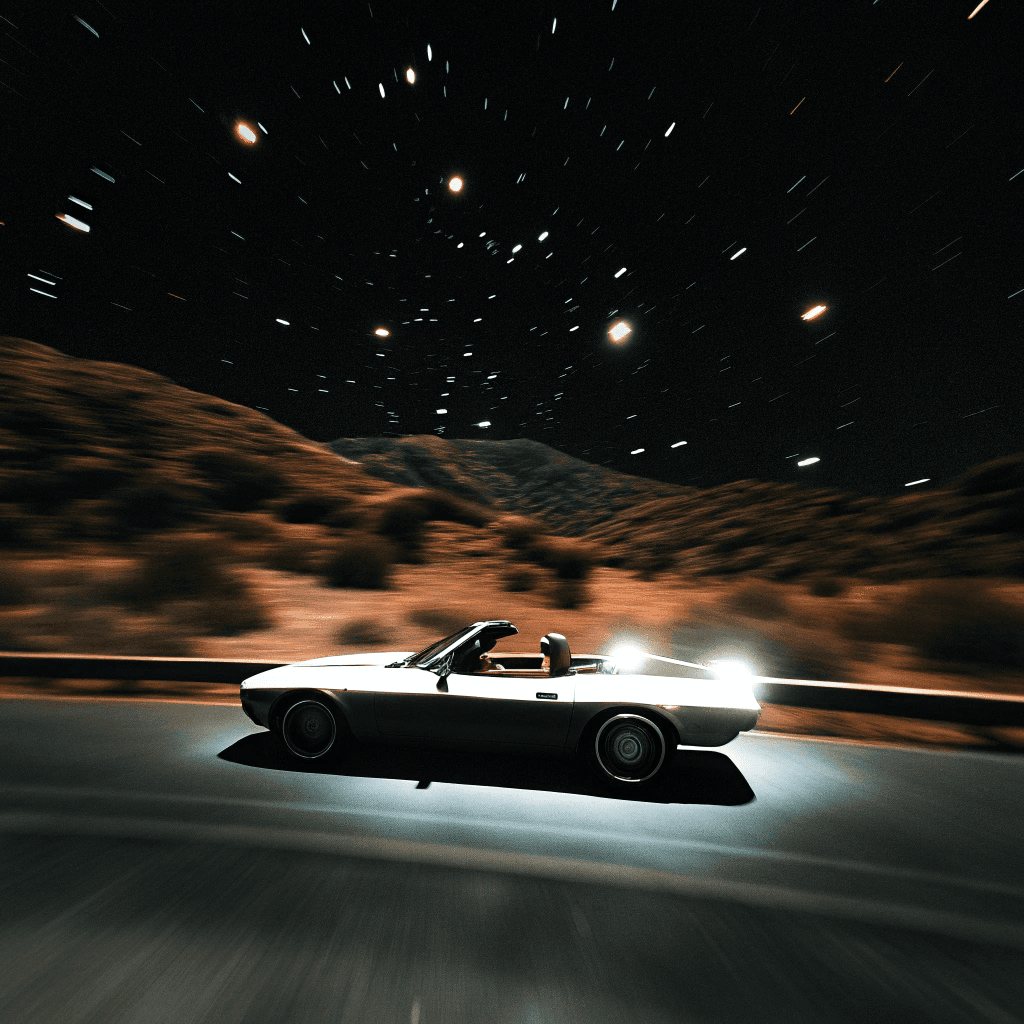
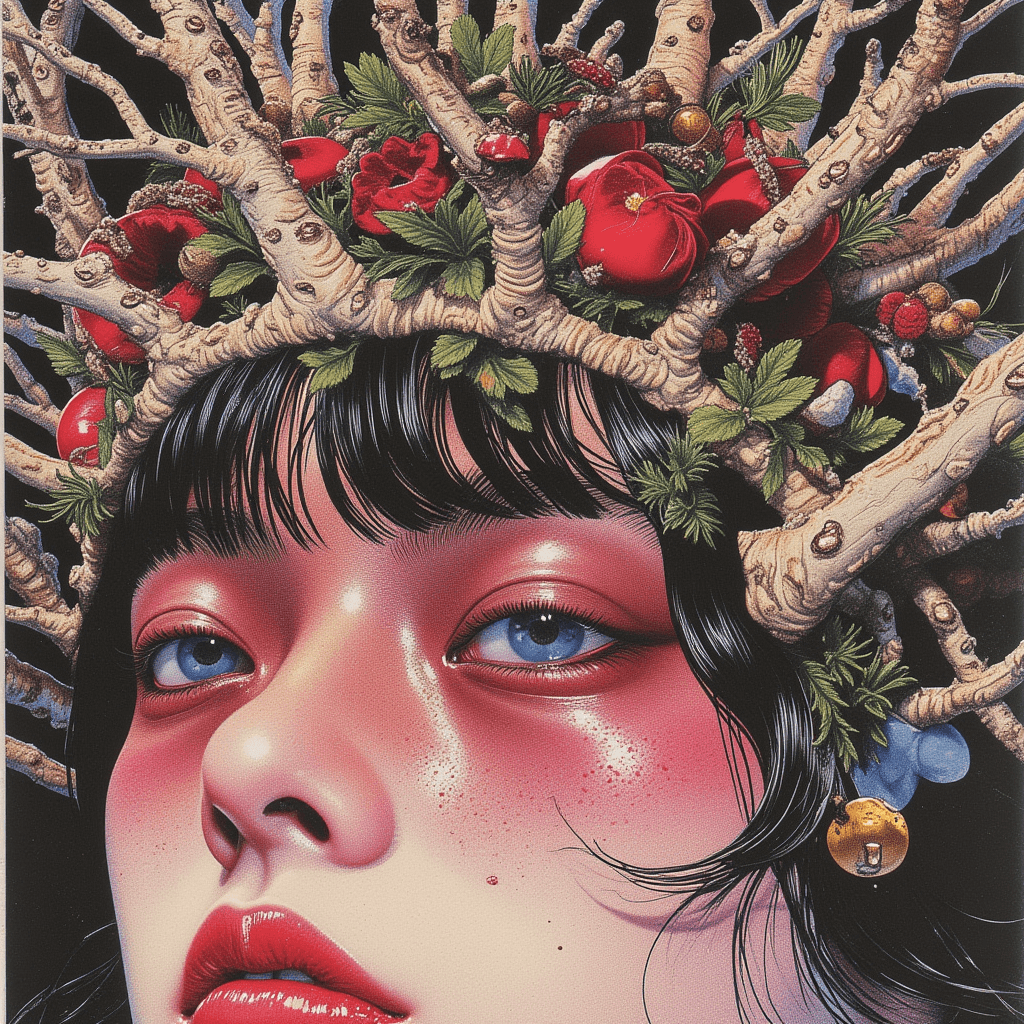
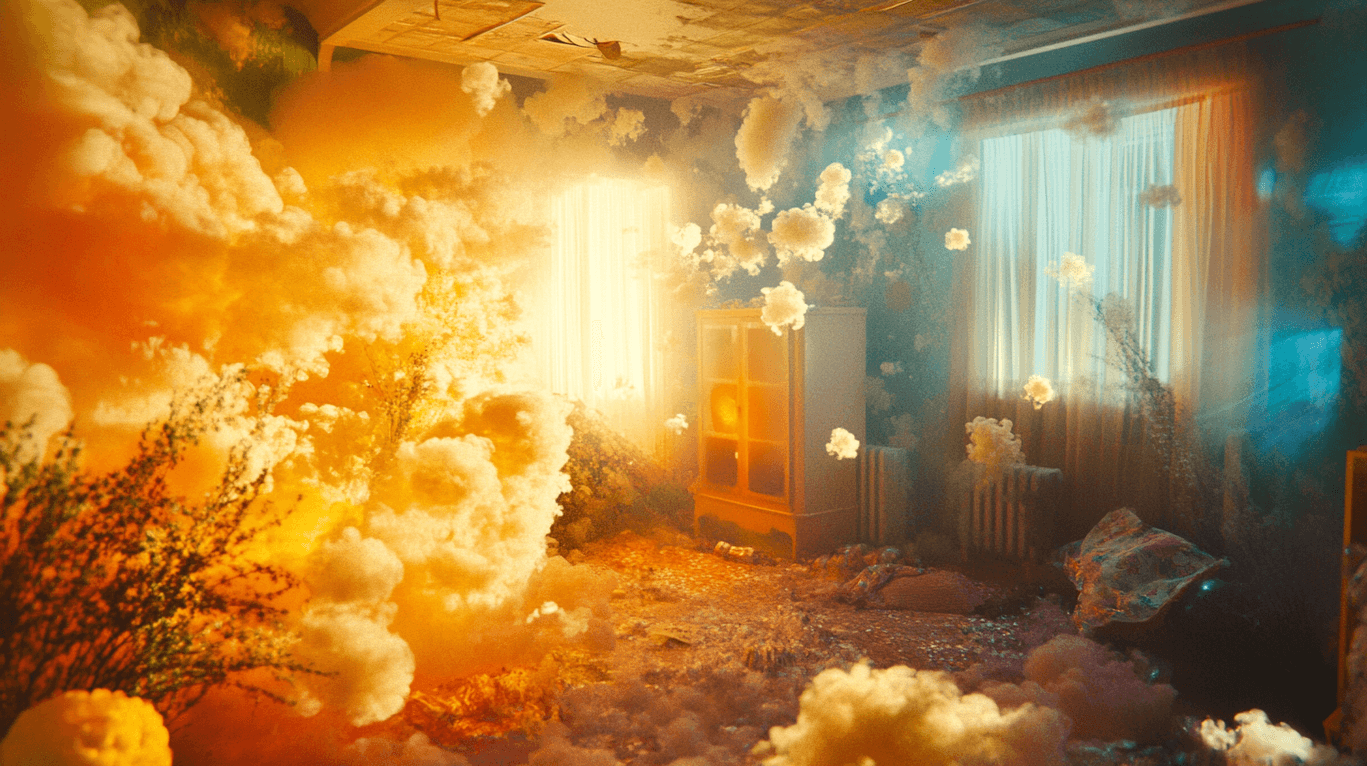
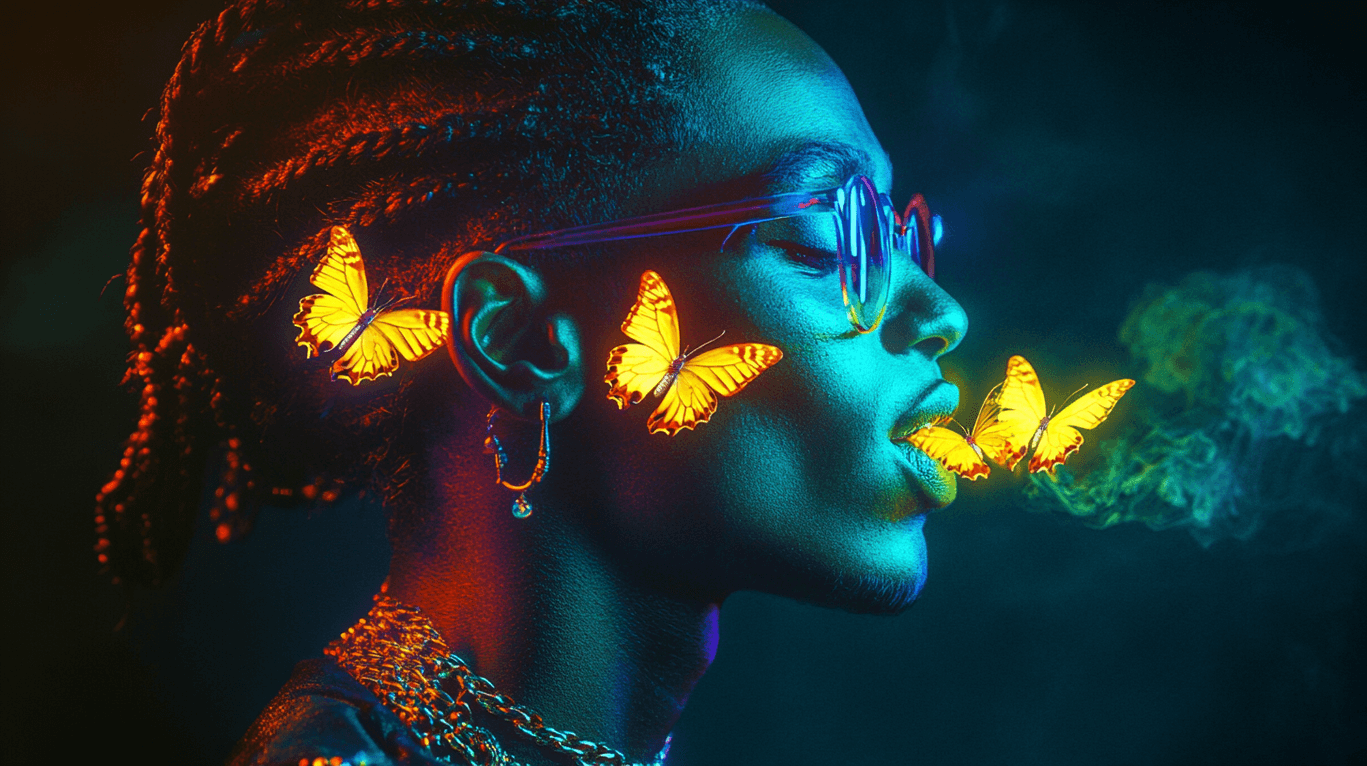
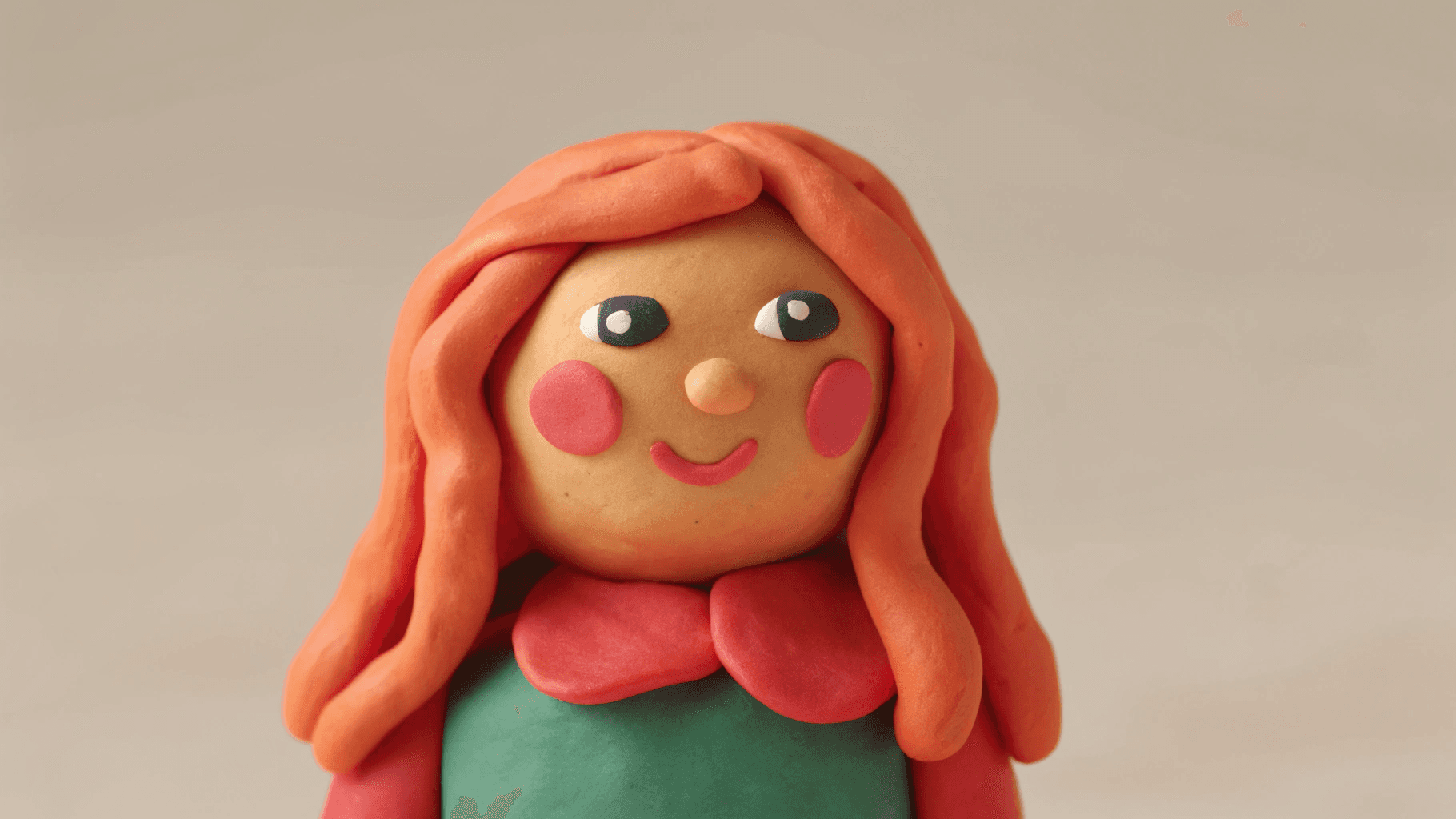
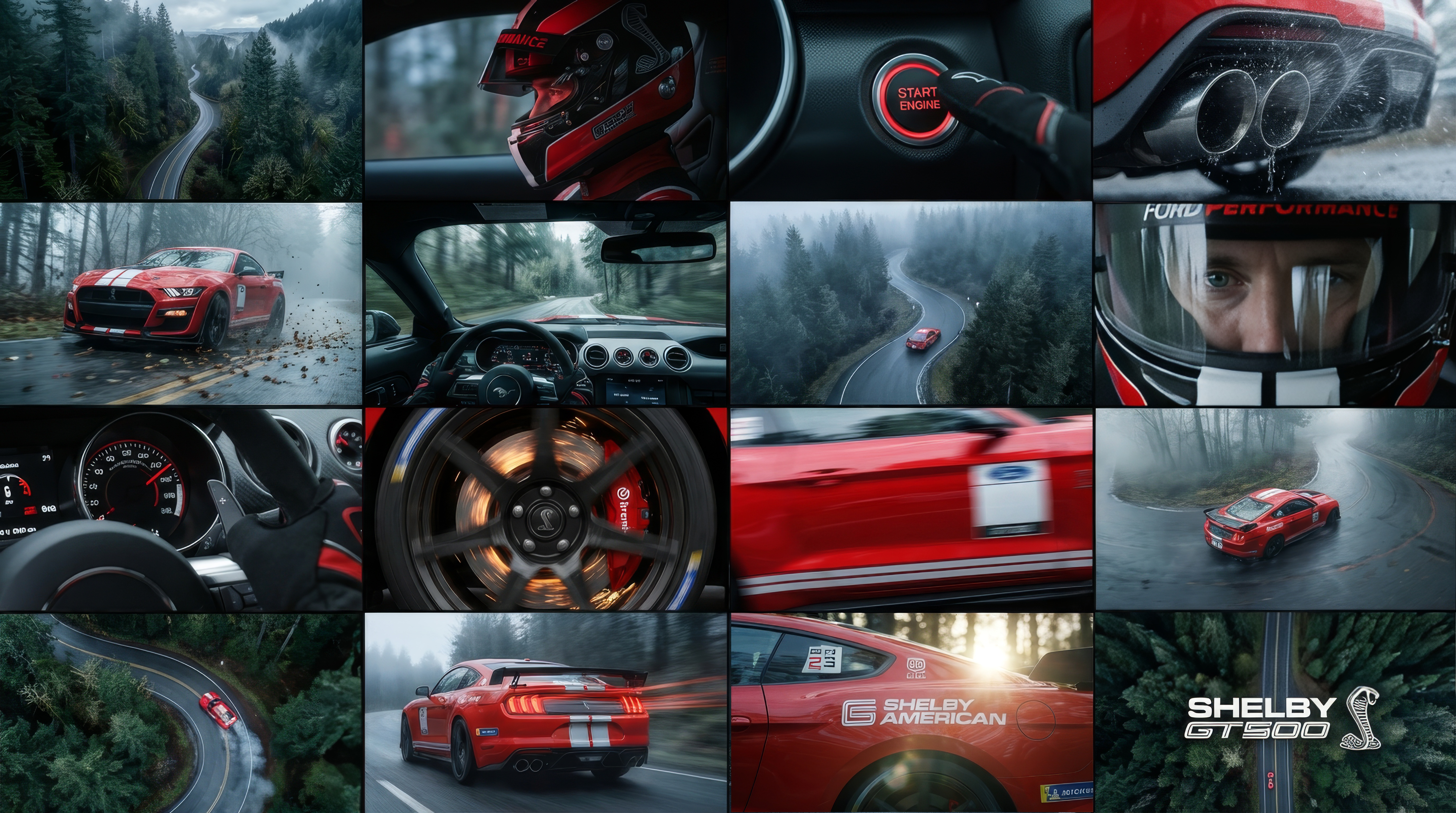
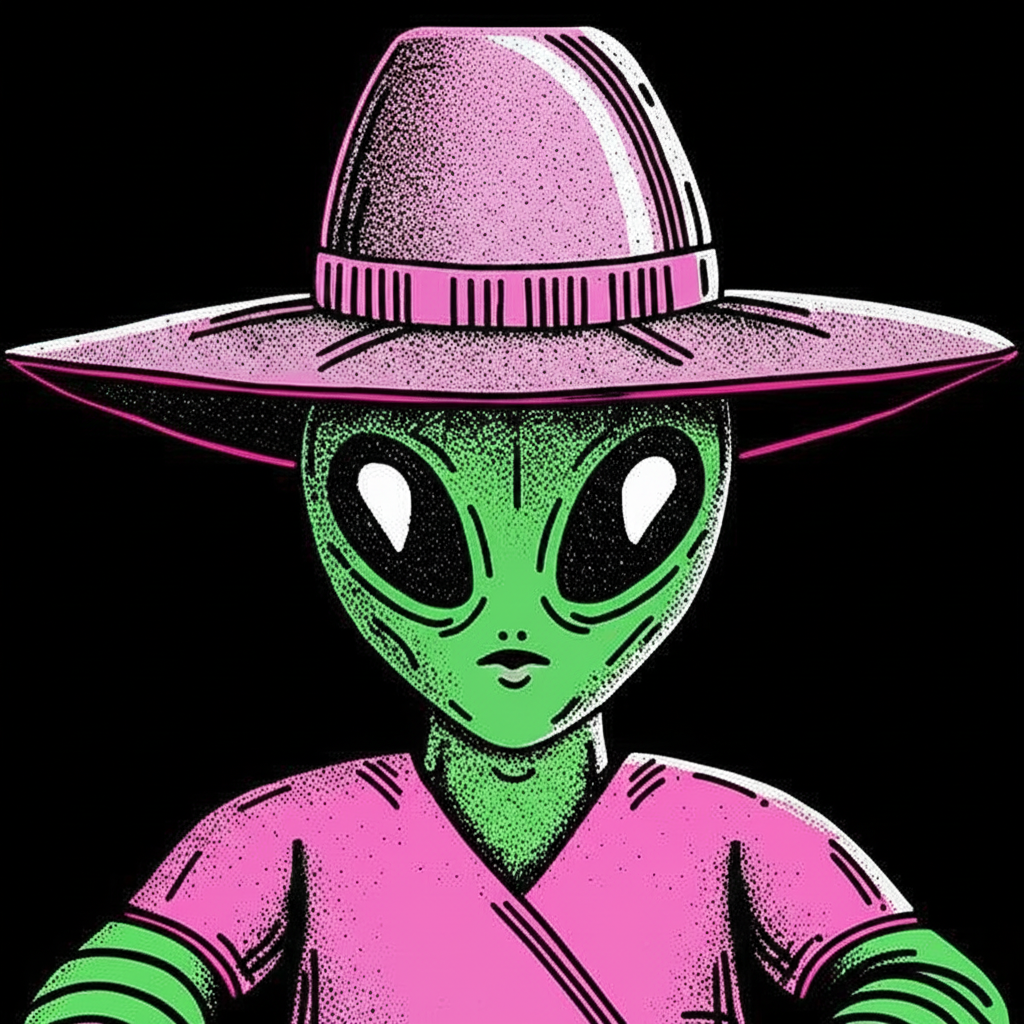
Upload multiple visual references
Provide separate images for subject, pose, style, environment, or color palette so each reference has a clear role.
Generate new images that blend multiple references—styles, subjects, poses, or environments. Use AI to synthesize consistent outputs that respect all your chosen reference sources.

Follow the workflow from inputs to final creative output.
Provide separate images for subject, pose, style, environment, or color palette so each reference has a clear role.
Use a short text description to explain what you want from each image—for example outfit from one, pose from another, and lighting from a third.
Run the Multi References workflow to fuse your inputs into coherent visuals that honor your constraints and keep key details aligned.
Iterate on your setup, adjust references or instructions, and export the best results for concept art, campaigns, or as inputs to other workflows.
Blend pose, outfit, and style references into aligned character visuals that stay true to your direction.
Anchor AI-generated visuals in existing brand assets so new images remain recognizably on-brand across a campaign.
Combine existing product shots with new environments or styling while keeping the product itself consistent.
Explore combinations of references more quickly, using AI to generate controlled starting points for further refinement.
See how we use OpenCreator to make stunning content. Customize them your way and bring your ideas to life with all the latest AI models.
#1 Unified Gen-AI Interface For Content Creators

@opencreator.io
We integrate all kinds of Gen-AI creative models into an intuitive interface allowing creators to produce high-quality content without switching models or paying for multiple subscriptions.

@opencreator.io
This workflow lets you generate new images that blend multiple visual references—such as subject, pose, style, or environment—into a single, coherent output. It is designed as a multi reference image generator for teams that need precise visual control.