If you post short videos regularly, you don’t need “the best AI video generator.” You need a setup you can repeat without babysitting every export.
Most “free” plans are built for trials, not for publishing. The differences that actually affect your week are boring but decisive:
- How fast the free quota runs out (and whether it refreshes)
- Whether exports are usable (watermarks, download restrictions)
- Whether the tool fits your workflow (one-off experiments vs repeatable production)
This guide compares what you can realistically do on free tiers—and when a workflow tool makes more sense.
Scope: as of 2026-01, limits and features change frequently.
Quick Answer: What You Actually Get for Free
If you want a free plan you can come back to every month, look for a refresh (monthly or weekly). If the plan is a one-time credit drop, treat it like a demo.
At a glance:
- OpenCreator: credit-based free tier that refreshes monthly, with access to multiple models in one place
- InVideo AI: 2 video minutes per week, watermark on exports
- Runway ML: 125 one-time credits (no monthly refresh), limited model access
- Synthesia: 10 minutes per month, preview only—no downloads on free plan
| Tool | Free Tier | Monthly Limits | AI Models | Export Quality | Best For |
|---|---|---|---|---|---|
| OpenCreator | Credit-based | Refreshes monthly | Multiple models (Kling, Hailuo, Luma, Runway, Veo) | Depends on model/plan | Repeatable workflows |
| InVideo AI | $0 | 2 mins/week | Proprietary | With watermark | Quick social clips |
| Runway ML | $0 (one-time) | 125 credits total | Gen-4 Turbo only | Limited | Experimentation |
| Synthesia | $0 | 10 mins/month | 9 avatars | Preview only | Avatar testing |
The Difference That Matters: One-Time Credits vs Refreshing Quotas
Most creators don’t quit because the model is “not good enough.” They quit because the plan doesn’t match their posting rhythm.
- One-time credits are great when you just want to test output quality. They are terrible for building a routine.
- Weekly/monthly refresh is what makes a tool usable for consistent publishing—even if the quota is smaller per cycle.
Runway ML’s free credits are the classic one-time model: you can do a couple of serious experiments, then you hit the paywall.
InVideo AI refreshes weekly, which is better for routine—just keep in mind the export watermark on the free plan.
What “Workflow” Actually Changes (With Real Template Examples)
If your process is “open tool → generate → download → upload → repeat,” the slow part is not generation. It’s everything around it: re-typing prompts, re-setting format, re-doing the same steps, and trying to keep style consistent.
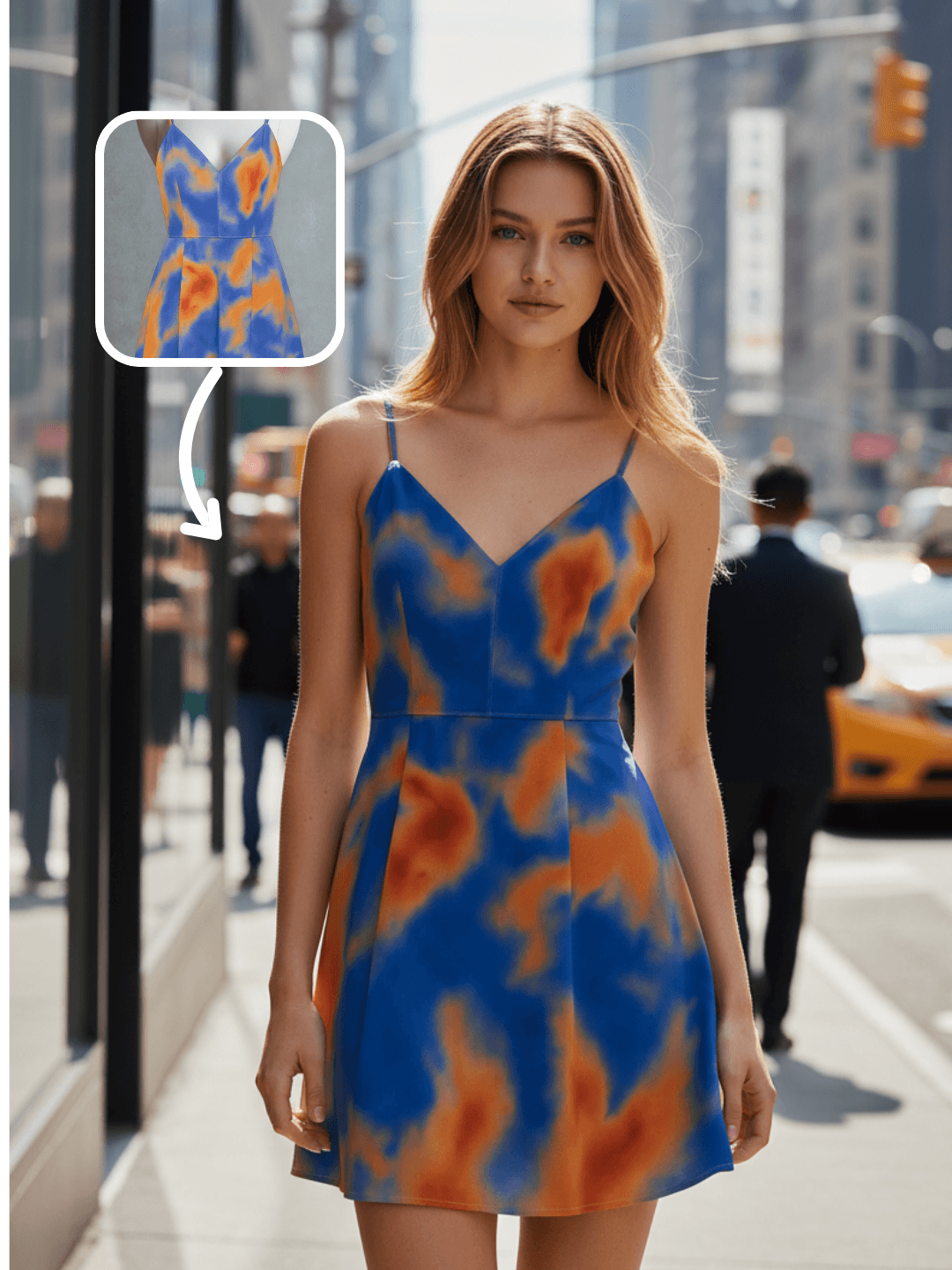
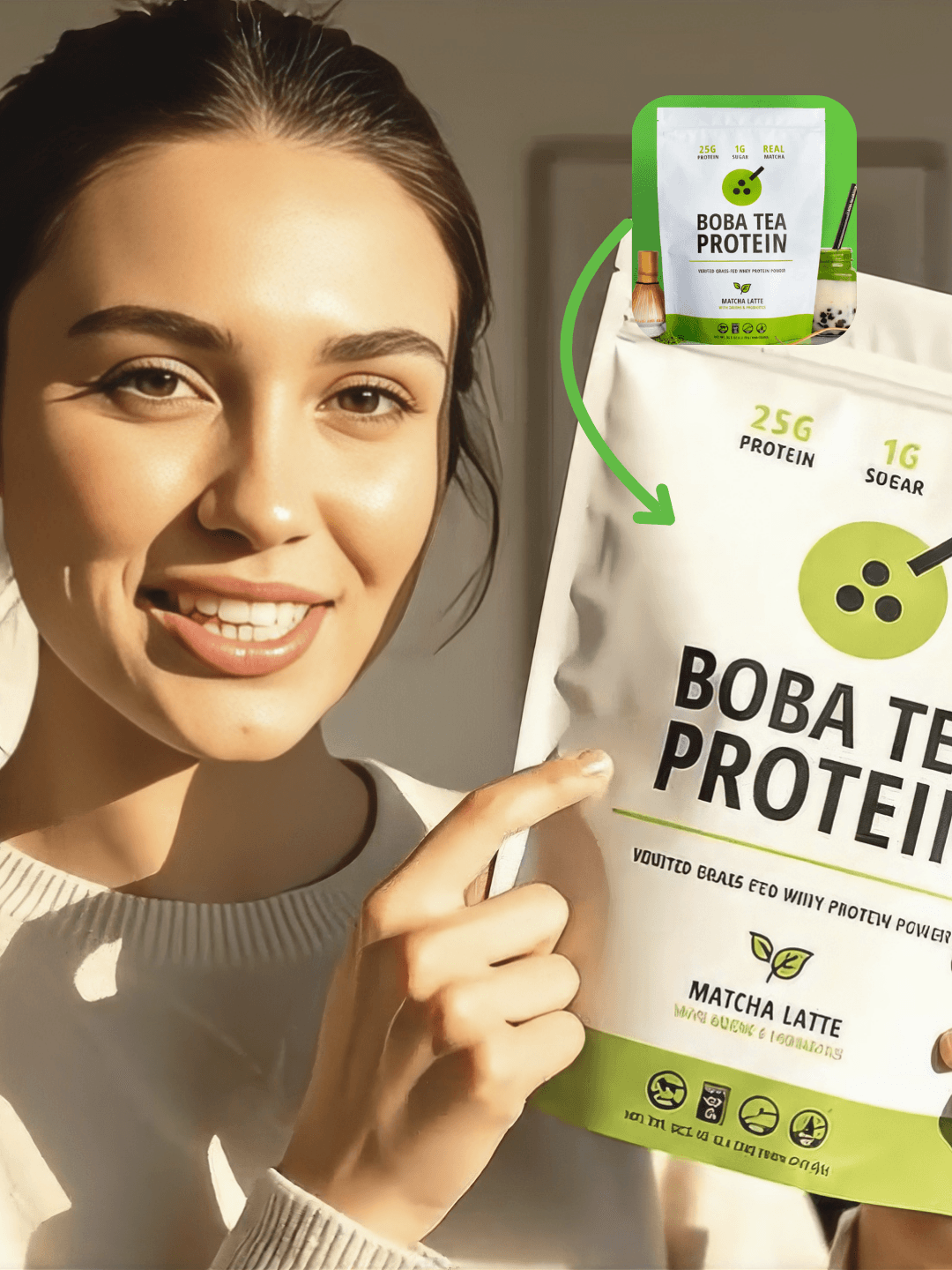
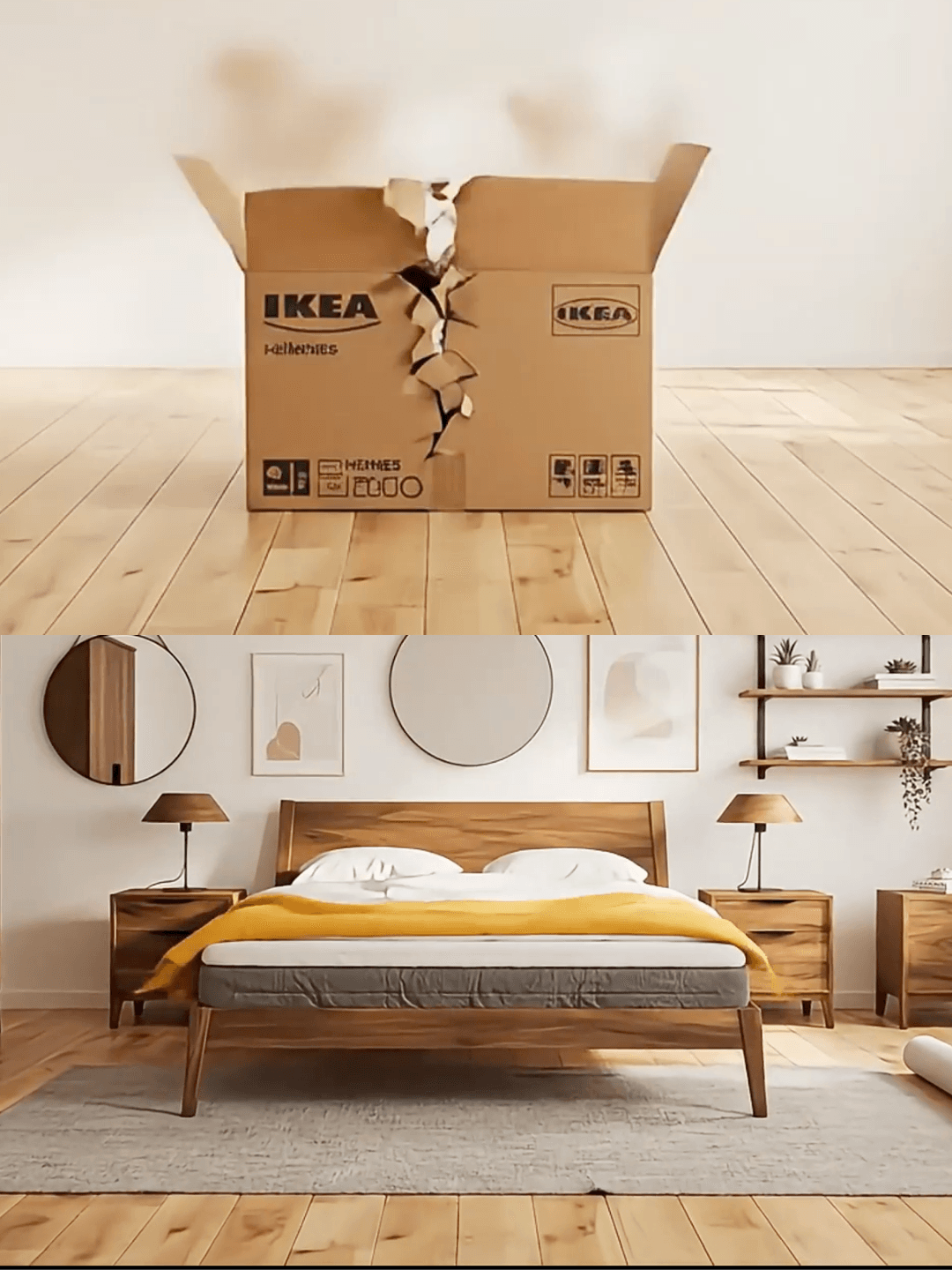
OpenCreator is built around reusable workflows and templates. Below are examples pulled from existing templates (covers and sample videos) so you can see what a production-minded setup looks like.
Example 1: UGC promo made for vertical short-form
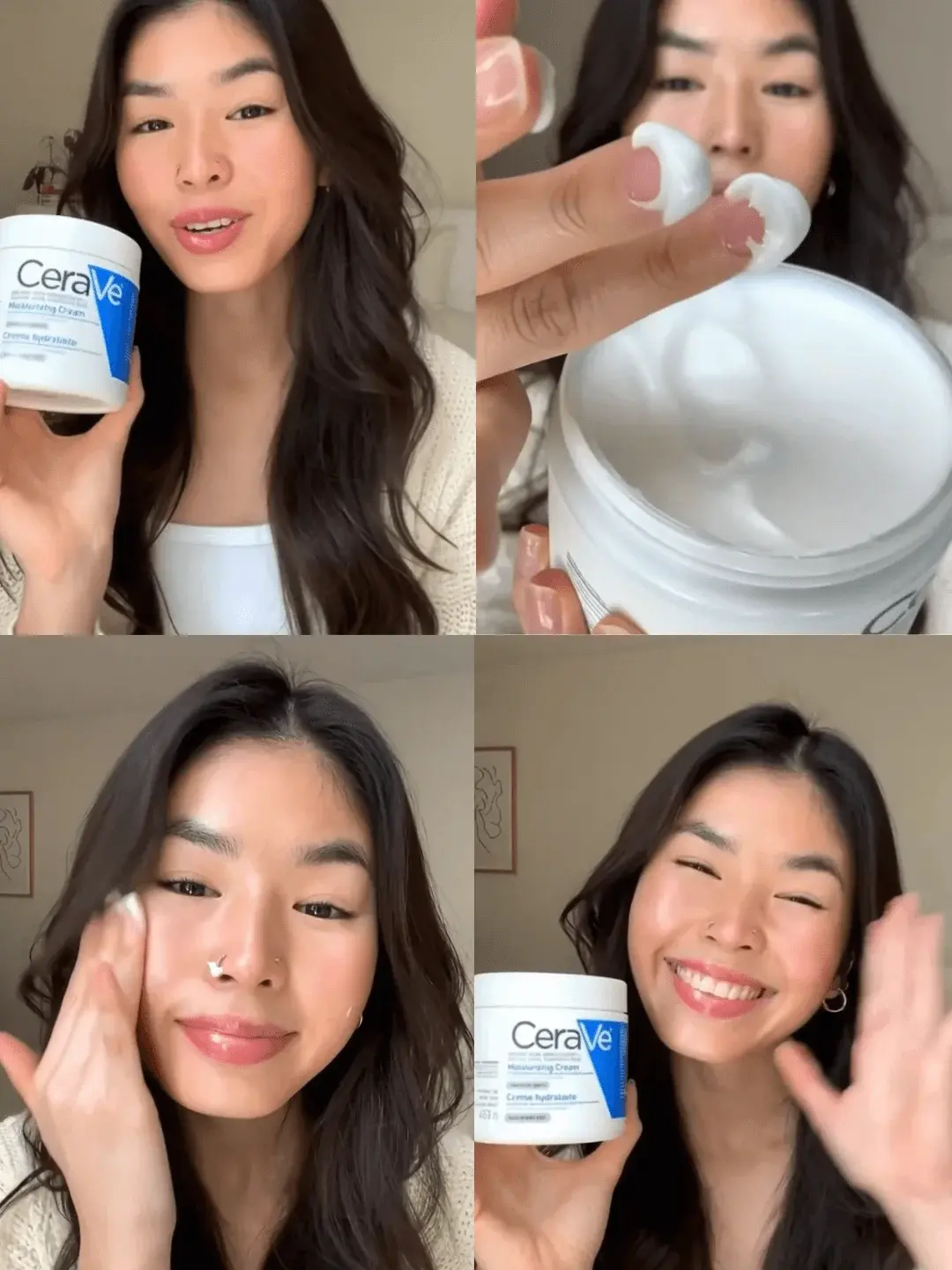
Example 2: ASMR-style promo (structure matters more than one perfect prompt)
Example 3: Product “explosion” effect for quick hooks
Tool Breakdown (What Each Free Tier Is Good For)
OpenCreator: Multi-model access + workflow templates
OpenCreator is a good fit if your bottleneck is repeatability: you want a workflow you can reuse, swap inputs, and keep output format consistent.
InVideo AI: Script-to-video assembly
InVideo AI is closer to “make me a promo video from a script.” It’s convenient for fast social edits, especially if stock footage and auto subtitles are the main need.
Free plan constraints to remember:
- 2 video minutes weekly (approximately 8 minutes monthly)
- Watermark on all exports
Runway ML: Creative experimentation, but the free tier is finite
Runway is strong for experimentation and creative play. The free plan is best treated as a trial: once the credits are gone, they’re gone.
Synthesia: Avatar videos for corporate formats
Synthesia shines when you need a presenter/avatar speaking a script. The free plan is mainly for testing—no downloads.
How to Choose in 60 Seconds
Use this as a quick filter:
- If you want to publish consistently (even a few times per week), prioritize a plan that refreshes (weekly/monthly).
- If you only need a quick script-to-video tool and don’t mind branding on exports, InVideo AI’s free tier can work.
- If you want to test quality and effects before paying, Runway’s one-time credits are fine—just don’t plan your content calendar around them.
- If you need talking-head avatar videos, Synthesia is purpose-built for that niche.
- If you want to reuse the same production setup across different models and formats, a workflow approach (like OpenCreator) is the point.
FAQ
Q: Can I use free AI video generators for commercial content?
Commercial usage rights vary by platform and model. In practice, paid tiers are usually clearer. If you plan to monetize, treat licensing as a checklist item—not an afterthought.
Q: Which free AI video generator works best for Instagram Reels?
For Reels, prioritize vertical format support and an export policy you can publish with. A workflow/template approach helps if you’re posting repeatedly; one-time credit plans are better for testing.
Q: How many videos can I create monthly on free plans?
It depends on each tool’s quota system. The practical takeaway: weekly/monthly refresh plans support routines; one-time credits don’t.
Q: Do free AI video generators add watermarks?
Some do (InVideo AI), some block downloads (Synthesia), and some restrict output via limited credits (Runway). Always check export rules before you invest time into a pipeline.
Q: Can I make vertical videos for TikTok using free tools?
Yes—just make sure the tool supports 9:16 and the free plan’s export is publishable (watermarks/download restrictions matter more than people admit).
Summary
If you post regularly, the “best free AI video generator” is usually the one whose free tier matches your rhythm. Refreshing quotas keep you publishing; one-time credits are demos.
OpenCreator is built for the workflow problem: repeatable templates, multiple models in one place, and a credit system that refreshes monthly so you can come back and keep shipping.
If you’re only experimenting, Runway’s free credits are fine. If you need fast script assembly, InVideo AI is convenient. If you need avatar presenters, Synthesia is specialized. The right answer is the one that fits how you work.
Start Creating AI Videos
Explore OpenCreator's unified Gen-AI workstation with ready-made templates for TikTok, Instagram, and YouTube content: AI Video Generator